
ROOK Connect
One API to connect and standardize health data from wearables, medical devices, EHR/EMR and labs.
How it works
Every source reaches your backend in three steps
The user authorizes their sources, ROOK normalizes formats and units, and your backend receives one model.
Users connect every source
End users connect their wearables and devices, or upload lab reports.
ROOK standardizes the data
ROOK Connect normalizes formats and units into one model.
Your backend receives it
Data reaches your backend through webhooks or API queries, linked to the same user.
One data model
One structure, any source
ROOK Connect organizes wearable data into three health pillars and delivers lab, medical device and EHR/EMR data through the same integration. Teams integrate once, and every new source arrives in a documented structure.
"physical_health": { "physical_summary": { "steps_int": 8432, "calories_expenditure_kcal_float": 2140.5, "hr_resting_bpm_int": 58, "stress_avg_level_int": 32 }, "physical_events": { "heart_rate_events": { "hr_bpm_int": 72 }, "oxygenation_events": { "saturation_percentage_int": 97 }, "stress_events": { "stress_score_int": 28 } }}"sleep_health": { "sleep_summary": { "sleep_duration_seconds_int": 26100, "deep_sleep_duration_seconds_int": 5400, "rem_sleep_duration_seconds_int": 6300, "sleep_efficiency_1_100_score_int": 91, "hr_resting_bpm_int": 54, "hrv_avg_rmssd_float": 48.2, "breaths_avg_per_min_int": 14 }}"body_health": { "body_summary": { "weight_kg_float": 72.4, "height_cm_int": 178, "bmi_float": 22.9 }, "body_events": { "blood_pressure_events": { "systolic_mmHg_int": 118, "diastolic_mmHg_int": 76 }, "blood_glucose_events": { "blood_glucose_mg_per_dL_int": 94 }, "oxygenation_events": { "saturation_percentage_int": 98 } }}{ "user_id": "demo-user-01", "sources_of_data_array": [ "Lab" ], "biomarkers_array": [{ "name_string": "Glucose", "loinc_code_string": "2345-7", "value_float": 94.0 }]}{ "data_structure": "blood_pressure_event", "device_source_data_array": [ { "device_type_string": "Activity Tracker", "manufacturer_string": "Withings", "model_string": "ScanWatch 2", "source_type_string": "wearable/sdk" } ]}{ "resourceType": "Observation", "status": "final", "code": { "coding": [{ "system": "http://loinc.org", "code": "8867-4", "display": "Heart rate" }] }, "valueQuantity": { "value": 94, "unit": "beats/min", "system": "http://unitsofmeasure.org" }}The APIs
The 4 ROOK Connect APIs
Wearables, lab reports, connected devices and clinical records — four APIs behind one integration.
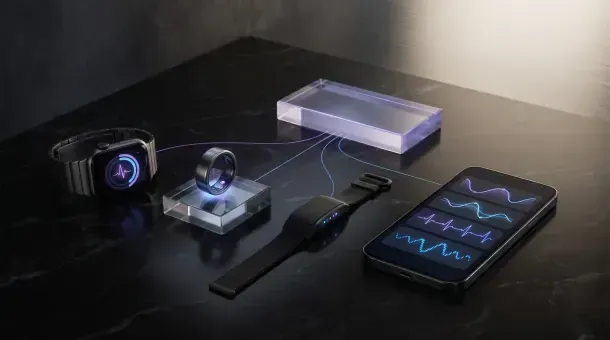
Wearable API
Activity, sleep, heart rate and body data from Garmin, Oura, WHOOP, Apple Health, Health Connect and more.
Explore Wearable API
Lab Data API
Lab reports in PDF or image format, converted into structured biomarkers with LOINC and FHIR R4 output.
Explore Lab Data API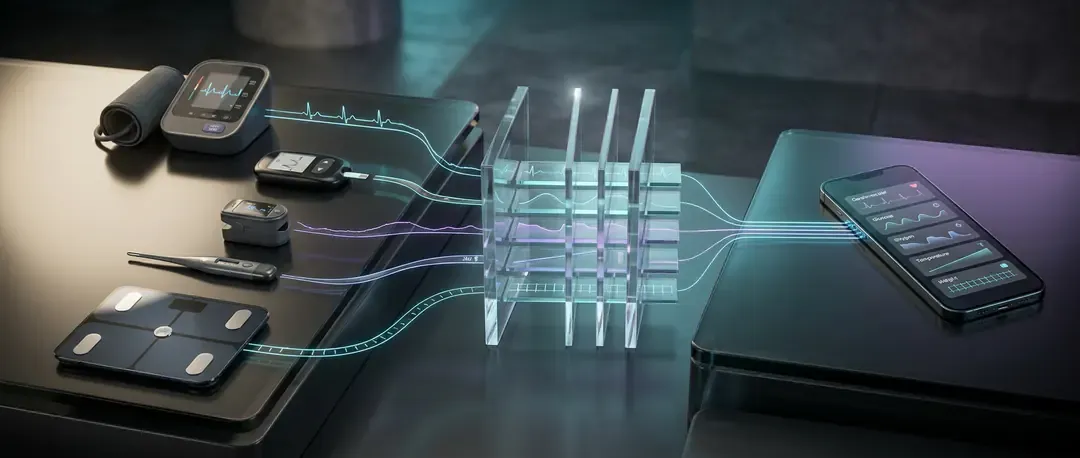
Medical Device API
Blood pressure, glucose and weight readings from connected health devices, in one standardized format.
Explore Medical Device API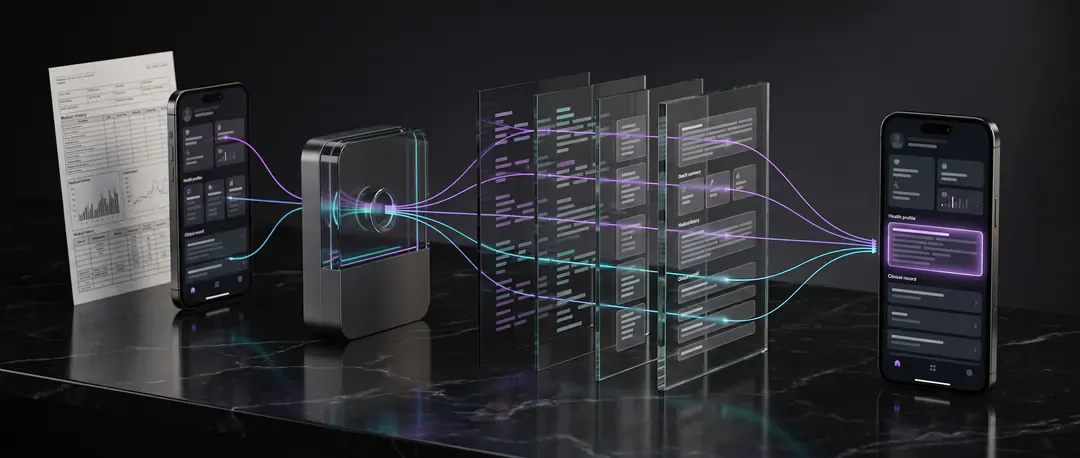
EHR/EMR API
Clinical record data with FHIR-based interoperability, alongside continuous and lab data.
Explore EHR/EMR API
Unified identity
One identity per user
All four APIs share the same integration and the same user identity. A lab result can be read alongside weeks of activity, sleep and device data from that same person.
user_idArticles on ROOK Connect from the ROOK blog
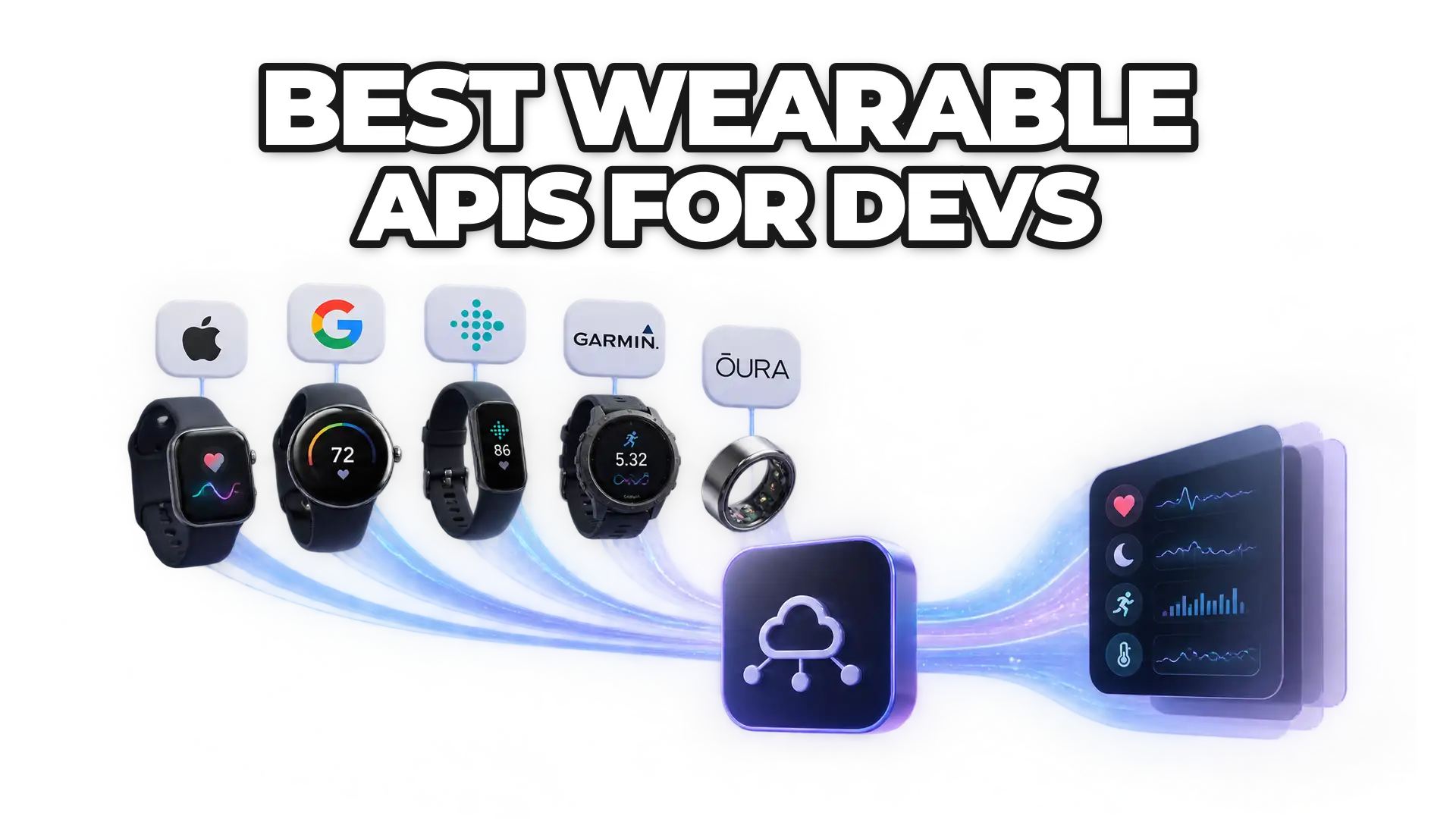
- What are the best wearable APIs for developers?Compare Apple HealthKit, Google Fit, the Fitbit Web API, Garmin, the Oura API and ROOK for integrating health and activity data.Read more
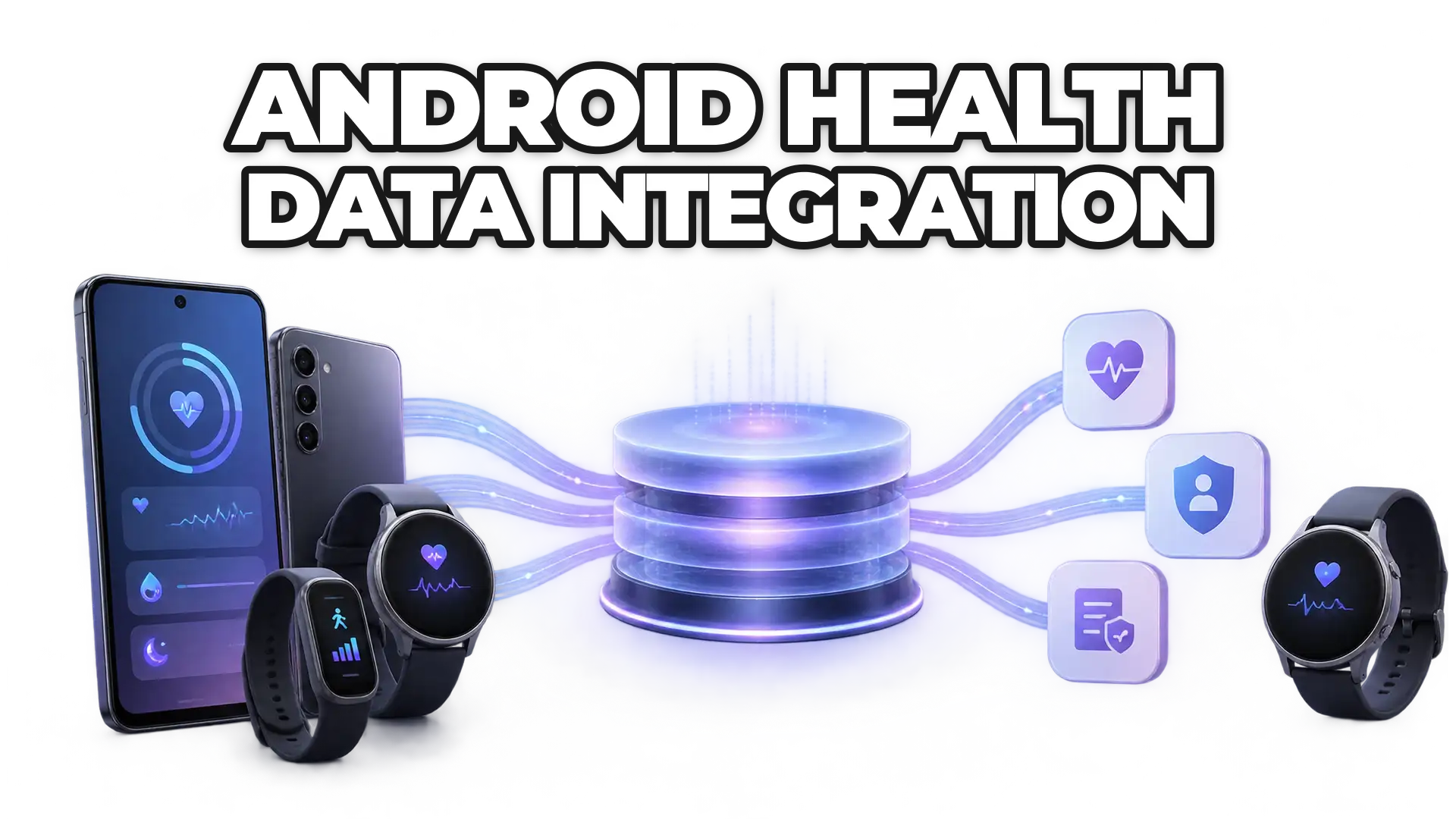
- Is Health Connect compatible with ROOK?Health Connect, Google's health data platform for Android, is compatible with ROOK, so ROOK clients can read Health Connect data through one integration.Read more
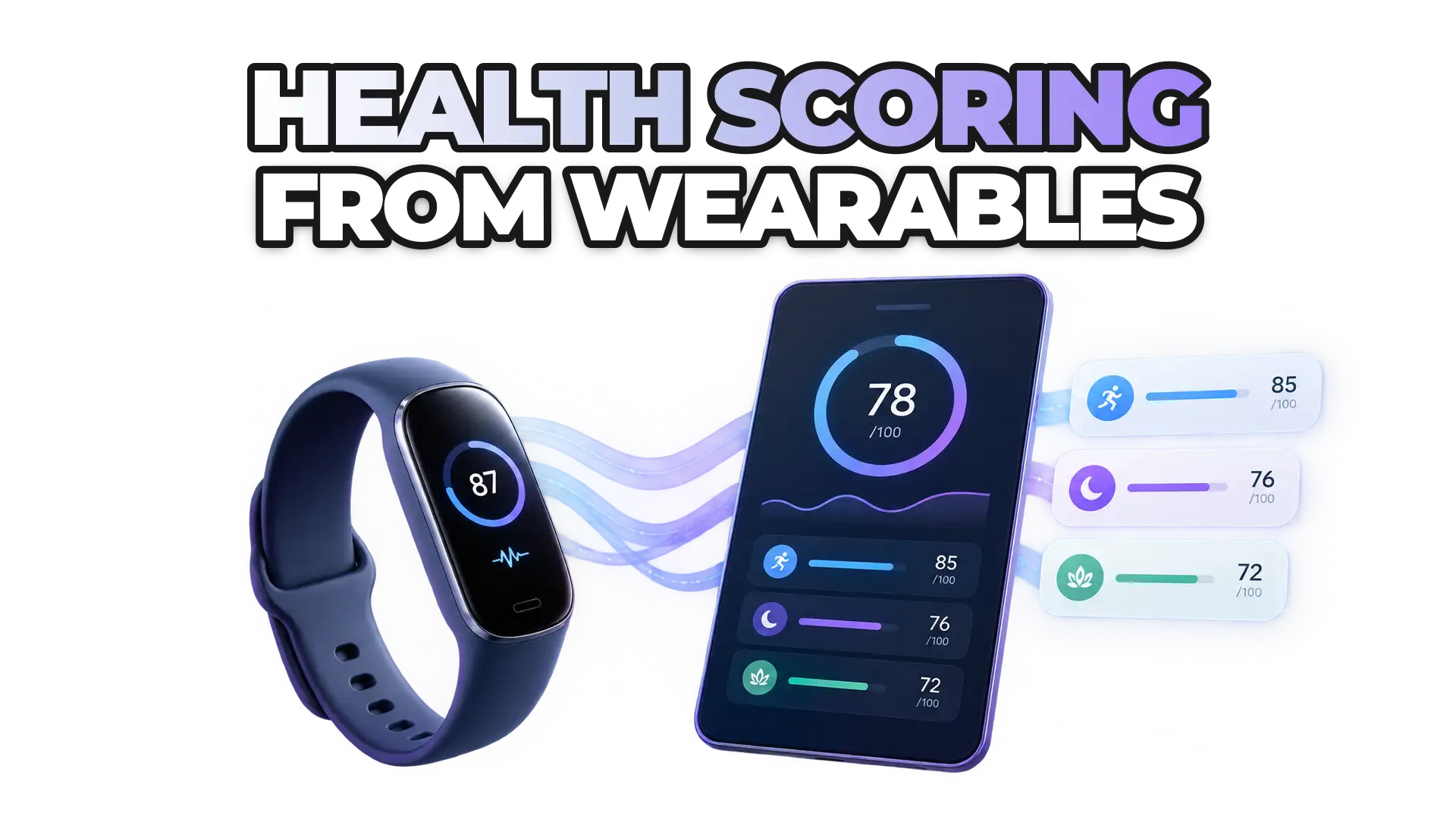
- What is ROOKScore and how does it score health from 0 to 100?ROOKScore turns activity, sleep and readiness data from ROOKConnect into a 0–100 score, adjusted for age, gender, weight and height.Read more
Nothing matches that search.
Build on better health data
Turn fragmented health data into your next product advantage.
Connect the sources your users rely on, standardize what comes back, and build workflows that respond to change.
Read more in our technical documentationFAQ
Frequently asked questions about ROOK Connect
How ROOK Connect authorizes, standardizes, and delivers health data from every source.
What is ROOK Connect?
ROOK Connect is ROOK’s core infrastructure for authorizing, extracting, processing, and delivering health data from multiple sources through APIs and SDKs. It provides a unified technical flow so teams can work with structured data without maintaining a separate connection for every provider.
What are the components of ROOK Connect?
ROOK Connect covers four stages: user authorization, source extraction, processing and standardization, and delivery to the customer’s backend. Depending on the implementation, it may also include SDKs, ROOK App, webhooks, API queries, and add-ons.
Do we need to integrate each data source separately?
No. Your team integrates ROOK once and uses common flows for compatible sources. Some sources may require provider-specific credentials, approvals, or configuration before they can be enabled.
How does ROOK standardize data from different sources?
ROOK harmonizes data structures, normalizes units and dates, organizes information under a common model, and applies cleaning and deduplication rules. Data is delivered in consistent daily-summary and granular-event formats.
How do I receive data from ROOK?
ROOK recommends Data Webhooks for new events and summaries. A REST API is also available for certain on-demand queries. Both delivery methods use consistent JSON schemas.
Read the data delivery docsDoes ROOK support FHIR?
Yes, through the Clinical Ready capability. When enabled, ROOK can deliver a FHIR R4 Bundle through the Data Webhook for metrics that can be mapped.
Explore the EHR/EMR APICan I test the integration before moving to Production?
Yes. The Sandbox environment lets you test credentials, connections, webhooks, and data structures before launch. Sandbox and Production credentials are separate.
What happens if webhook delivery fails?
ROOK applies retry logic to failed deliveries. Your backend should also validate payload authenticity and return the expected HTTP status codes to confirm receipt.
No questions match that yet. Try another word or topic.