
Faster integration
No months spent building and maintaining document processing.
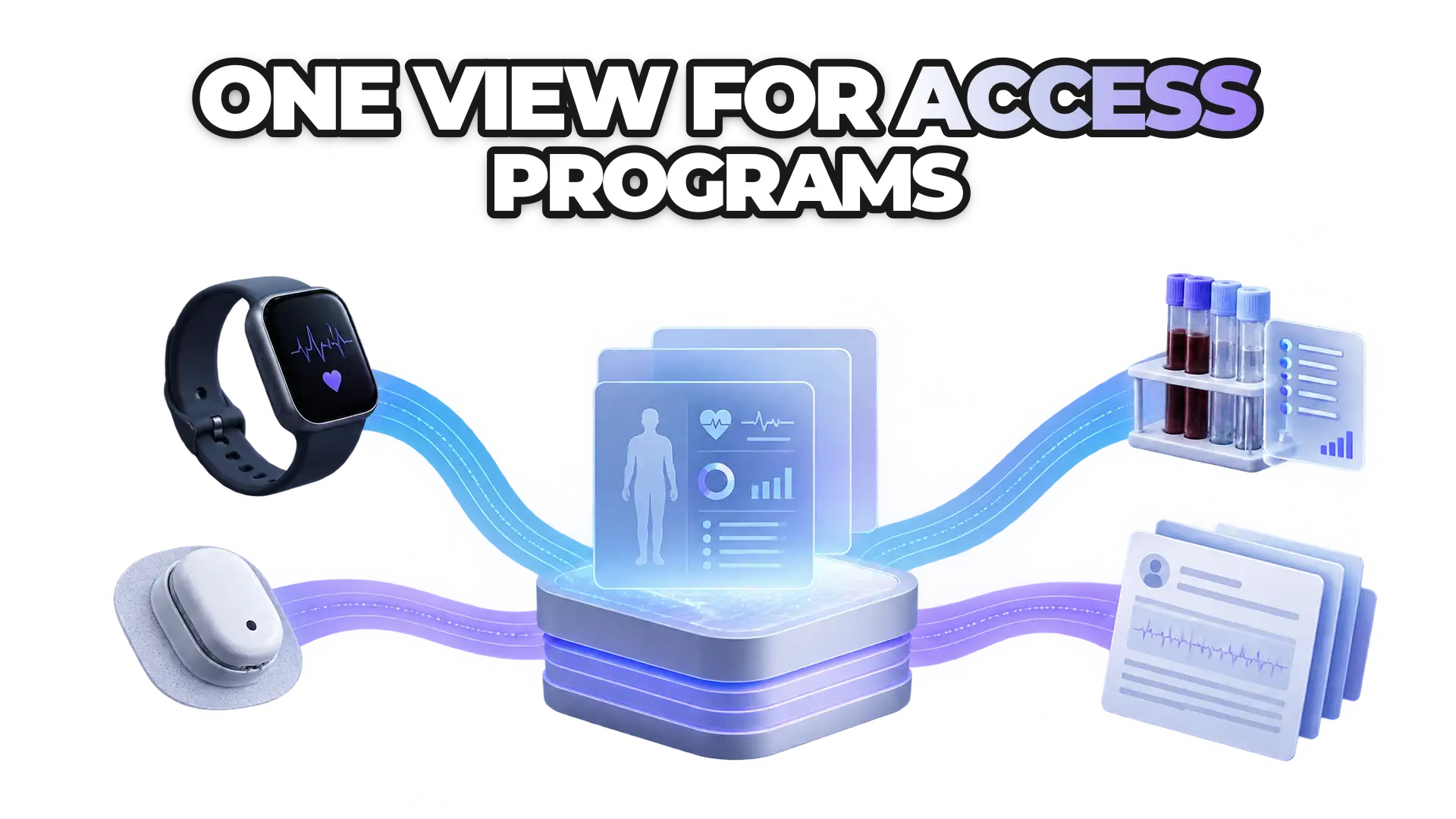
The ROOK Connect Lab Data API turns PDF and image lab reports into structured biomarkers with LOINC codes and FHIR R4 output, linked to each user's wearable data.
How it works
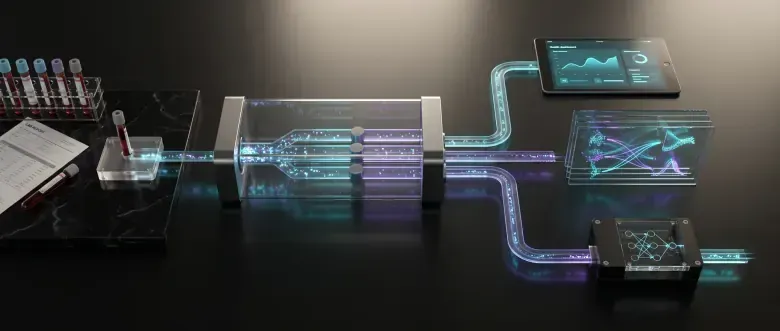
Users already have valuable information in their lab results, but it stays locked in PDFs, scans, and images. ROOK's Lab Data API turns it into structured data and combines it with continuous health data, so teams don't have to build their own pipeline.
Users share their report within the app's existing workflow.
ROOK extracts the results and turns them into standardized biomarkers.
The data arrives ready for profiles, dashboards, analytics, or personalized experiences.
Benefits
No months spent building and maintaining document processing.
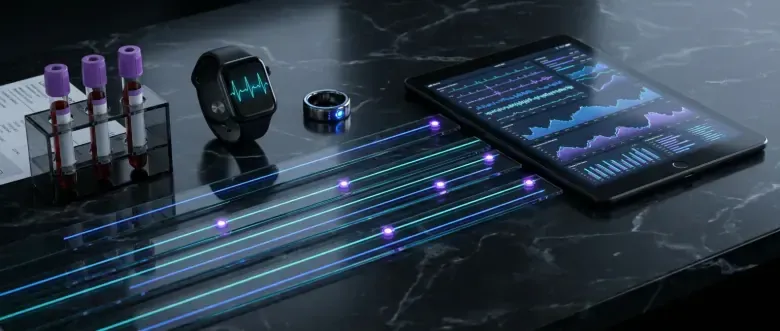
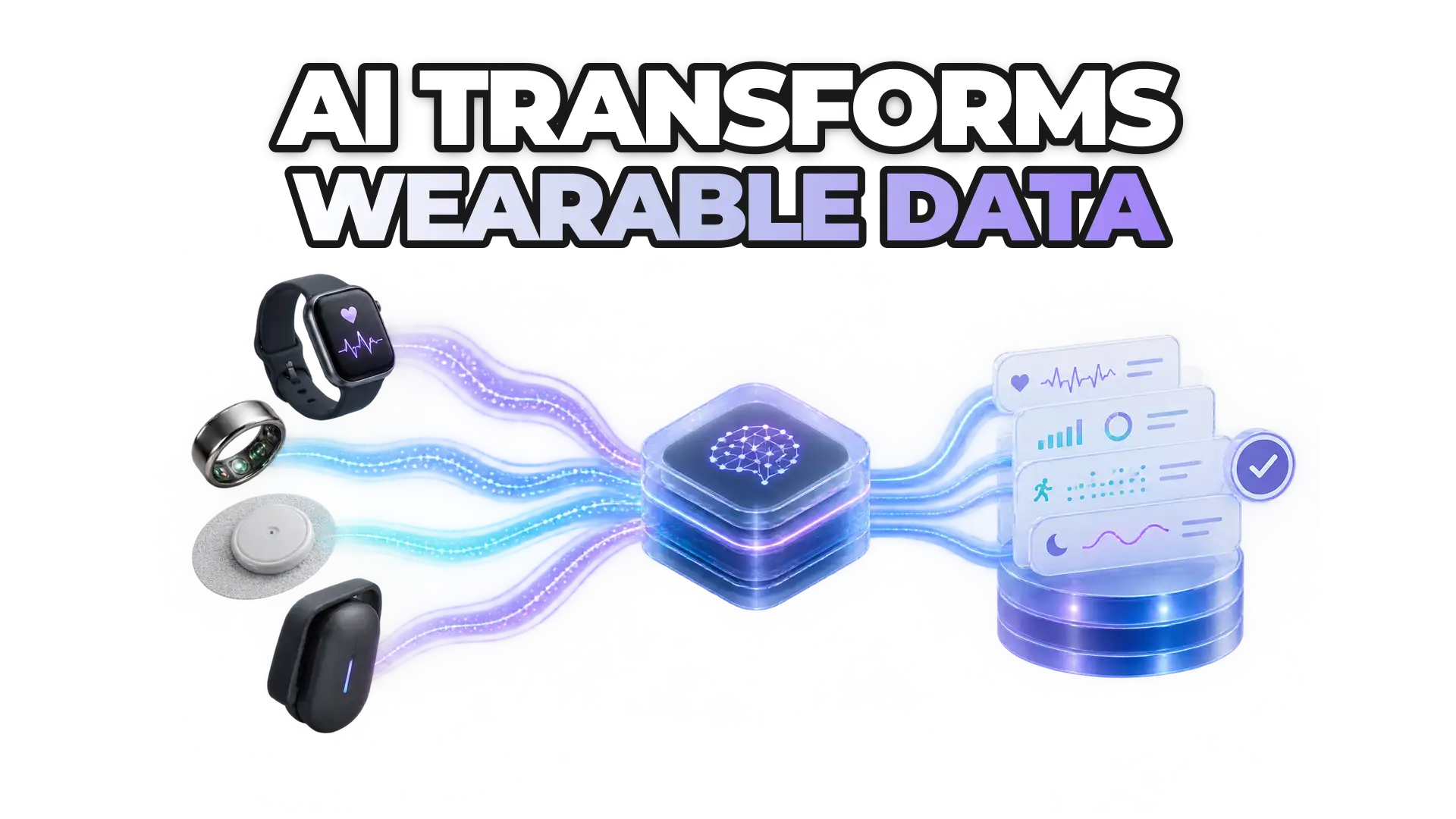
Combines laboratory results with biomarker and wearable data.
Isolated reports turned into a longitudinal biomarker history.
The roadmap stays on the user experience, not on formats and parsers.
Coverage
+45 biomarkers across five panels: Complete Blood Count (CBC), Comprehensive Metabolic Panel (CMP), Lipid Panel, Thyroid Panel, and HbA1c.
Digital PDF, scanned PDF, JPG, JPEG, and PNG. Users don't need to change how they receive their results.
Biomarkers standardized with LOINC, with FHIR R4 output available.
ROOK structures and standardizes existing lab information. It does not diagnose conditions or prescribe treatments.
Use cases
Teams that treat a lab report as data, not as a document someone has to read.
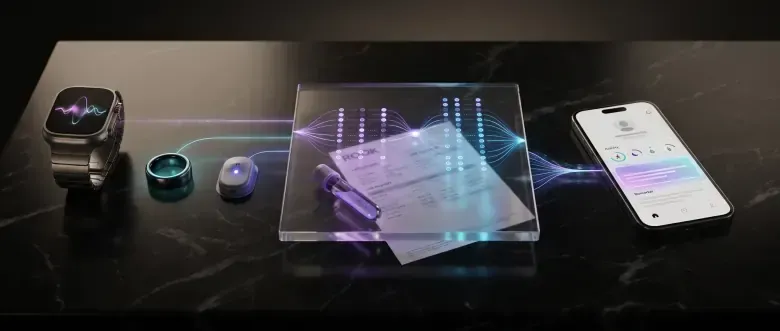 01
01Biomarkers inside experiences that already use activity, sleep, or glucose data.
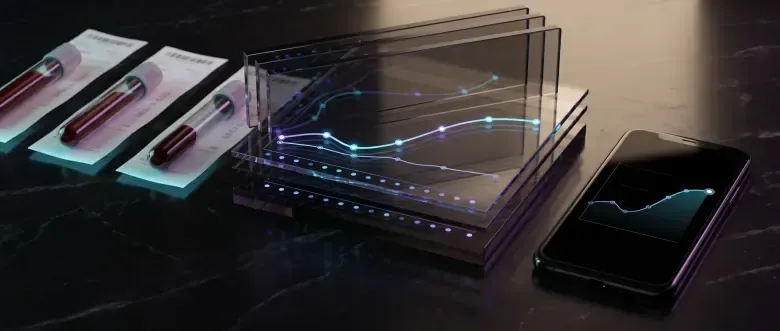 02
02How results change over time, not just the latest report.
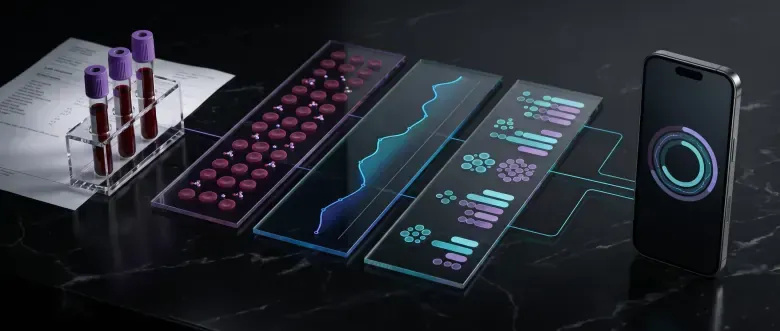 03
03HbA1c, glucose, lipids, and other supported markers.
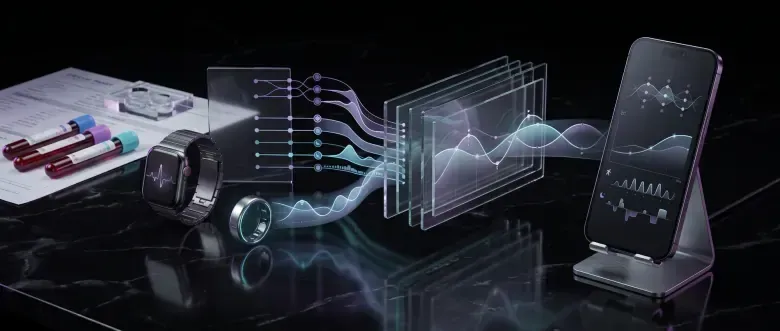 04
04Bloodwork combined with lifestyle data.
 05
05Structured results sent straight to dashboards, analytics, and models.
 06
06Lab observations alongside other longitudinal signals.
Lab data + continuous data
A lab test captures a single moment. Wearable and device data show what happened before and after. Lab Data connects with the rest of ROOK Connect through the same user identity.
user_id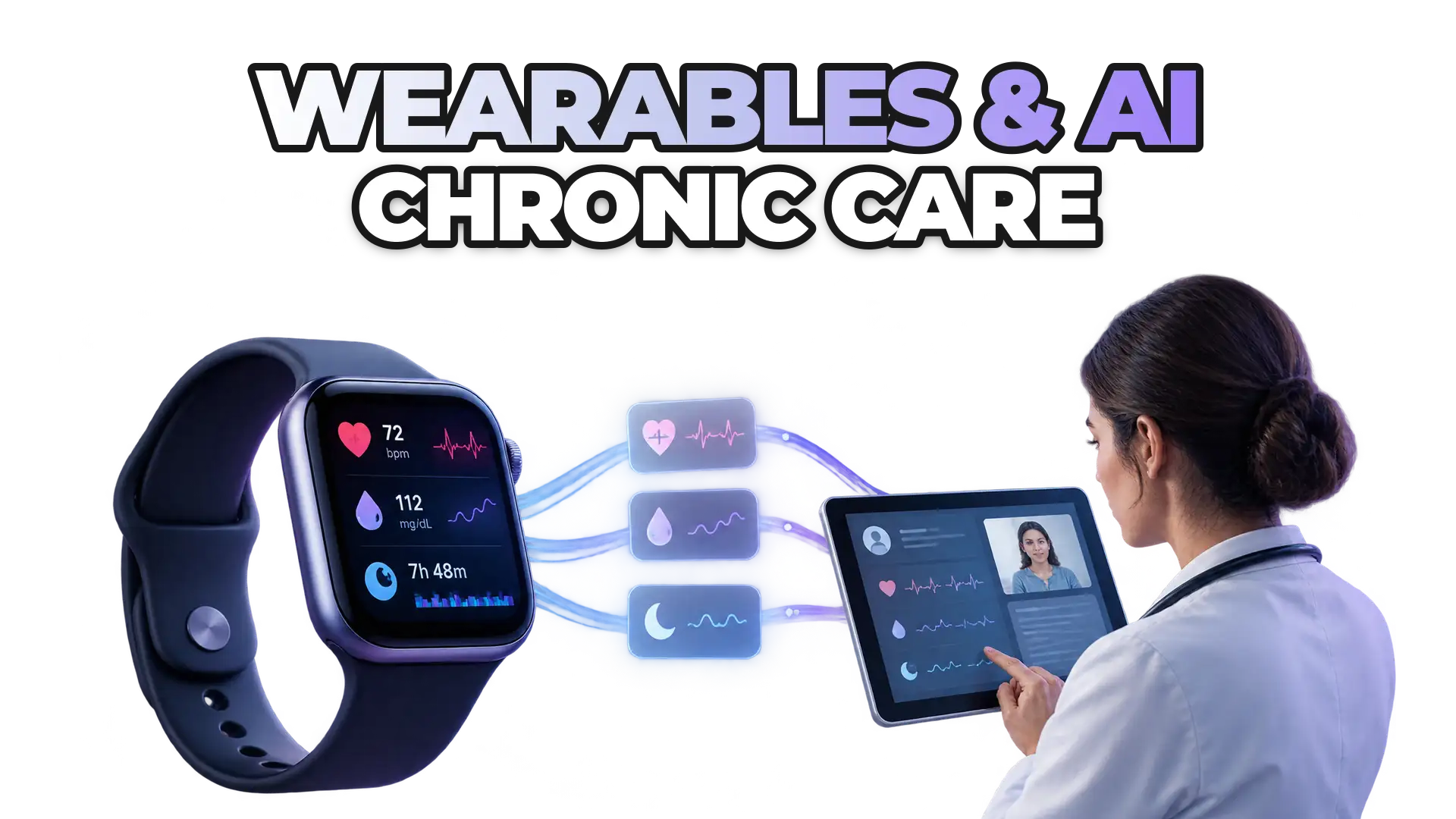
Nothing matches that search.
Lab Data API
The tests have already been done. The Lab Data API turns them into a useful part of every digital product.
Read more in our technical documentationFAQ
How lab reports become structured data, and where the limits are.
The Lab Data API converts laboratory documents into structured data. The application submits a file, ROOK extracts and normalizes the results, and then delivers them to the configured Data Webhook.
The customer defines the upload experience within its own product. The file is submitted to the Lab Data endpoint and processed asynchronously. Once processing is complete, the structured result is delivered to the webhook.
The Lab Data API accepts PDF documents and compatible images. Current file limits are listed in the technical documentation.
Read the Lab Data docsCoverage is not universal. Results depend on document legibility, structure, language, units, biomarkers, and overall quality. For new formats or markets, the ROOK team can validate representative samples.
ROOK extracts biomarkers and panels, normalizes names, units, and values, attempts to map biomarkers to LOINC codes when available, and performs consistency checks. Depending on the available configuration, the response may be delivered in ROOK JSON or FHIR R4.
ROOK includes extraction, normalization, and validation steps, but no document processing is infallible. Products built on the Lab Data API should retain the original document, show data provenance, and define human review for critical, ambiguous, or low-confidence results.
The Lab Data API works asynchronously, and processing time varies with the document and service load. The structured result is delivered to the Data Webhook as soon as processing finishes.
No questions match that yet. Try another word or topic.