One API and SDK for every wearable

Activity, sleep, heart rate and body composition from Garmin, Oura, WHOOP, Fitbit, Apple Health and more. One integration, one format.

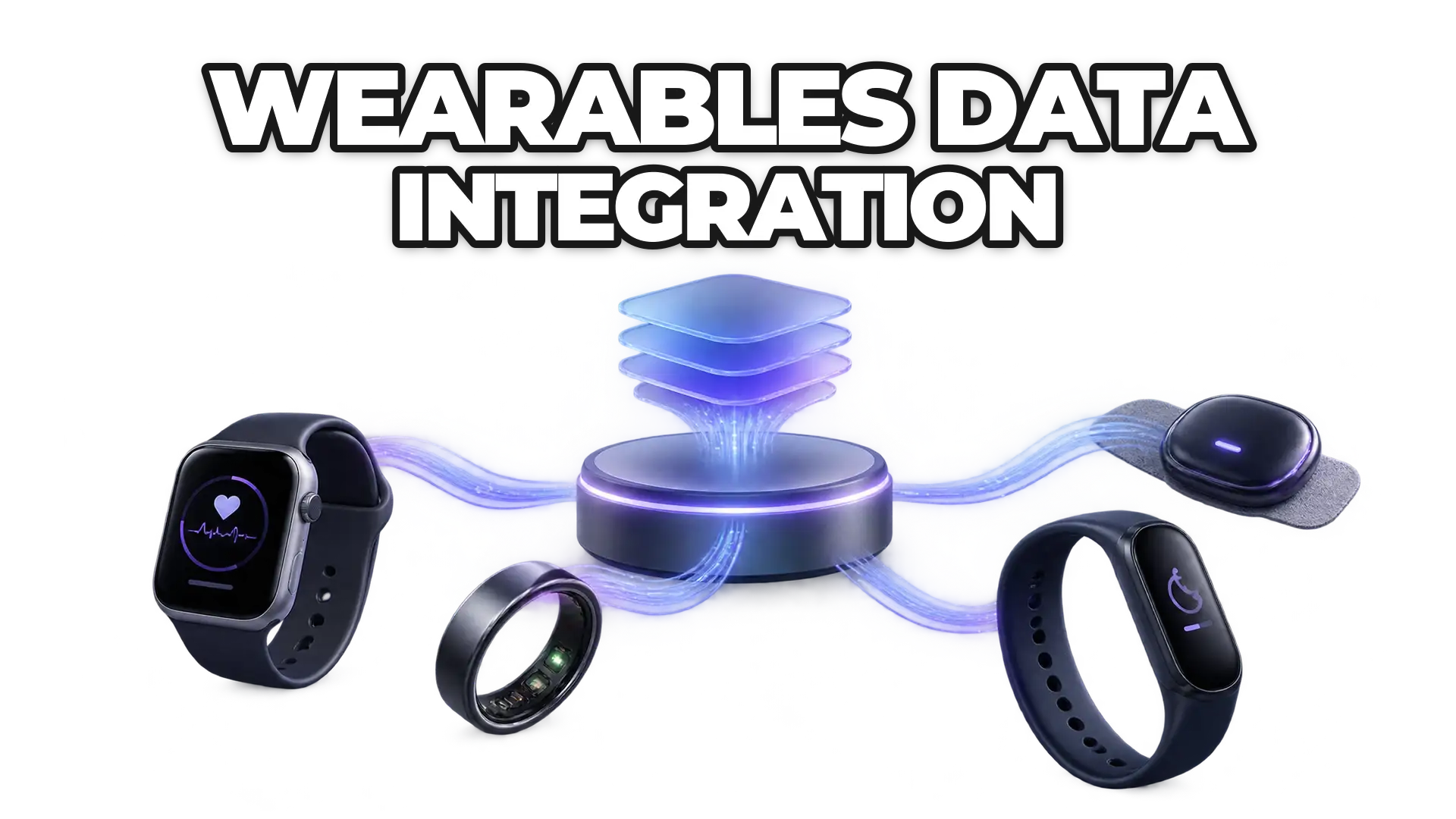
A phone app showing one day of sleep, steps and heart rate in a single view, fed by Garmin, Apple Health, Oura, WHOOP and other wearables around it.

How it works

From the wearable to your backend in three steps

The user connects a device, ROOK standardizes what it sends, and your backend receives it.

  1. Users connect a wearable

    The user connects their wearable from the client's app.

  2. ROOK standardizes the data

    ROOK Connect syncs and standardizes the data from each brand into one model.

  3. Your backend receives it

    The client receives the data in their backend through webhooks or API queries.

One data model

Two shapes in, one record out

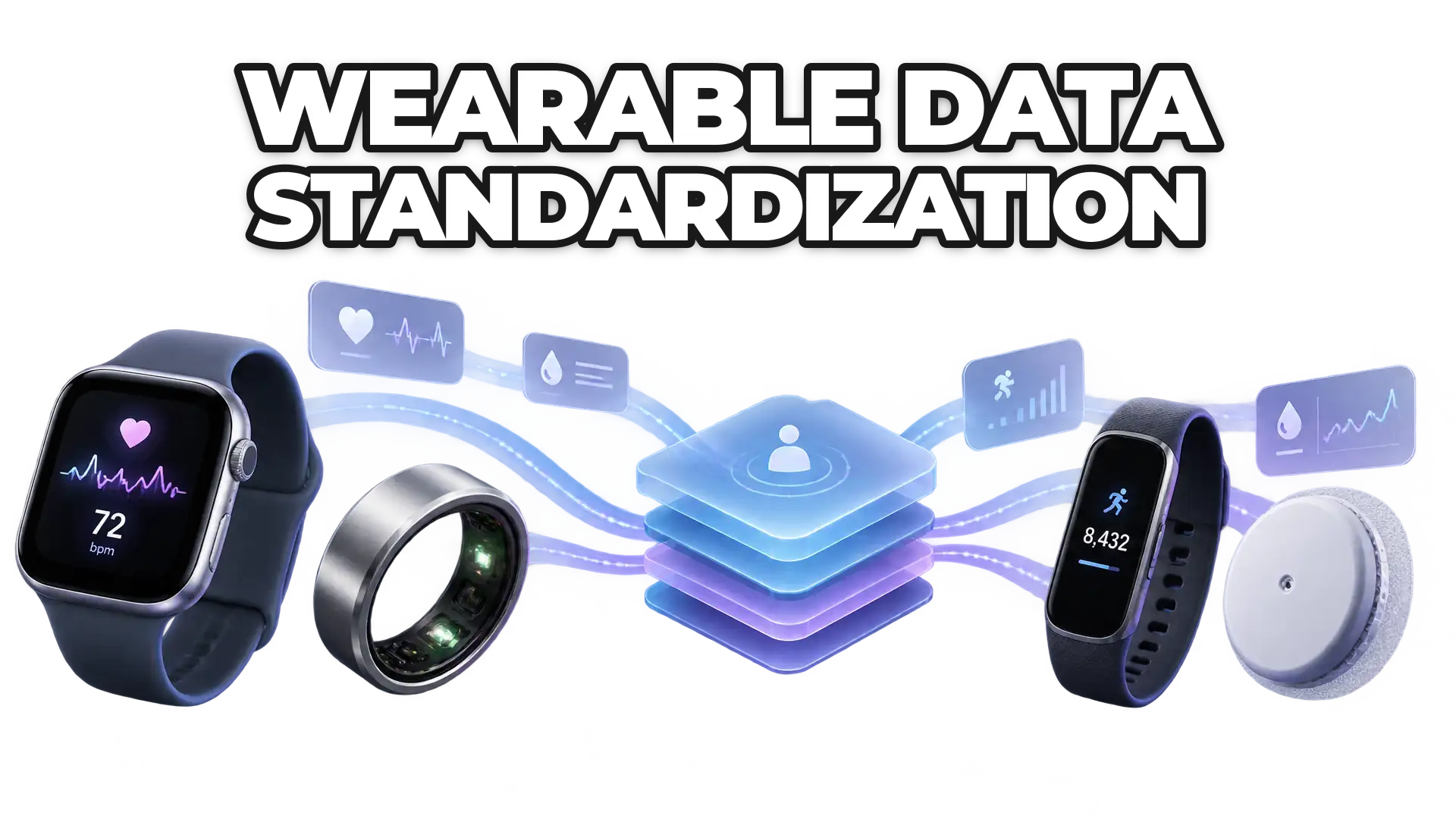
Garmin calls it steps, Apple Health calls it quantity. ROOK returns one named field.

{  "summaryId": "x3f9a-66f1e2c0",  "calendarDate": "2026-09-23",  "steps": 8432,  "durationInSeconds": 86400}
{  "type": "HKQuantityTypeIdentifierStepCount",  "quantity": 8432,  "unit": "count",  "startDate": "2026-09-23T00:00:00-05:00"}
ROOK Connectphysical_summary · JSON
{  "data_structure": "physical_summary",  "user_id": "demo-user-01",  "physical_health": { "summary": { "physical_summary": {    "metadata": {      "datetime_string": "2026-09-23T00:00:00-05:00",      "sources_of_data_array": ["Garmin", "Apple Health"]    },    "distance": { "steps_int": 8432 }  } } }}

Supported data sources

Connect what people already use

Nobody has to buy a device. The wearables and health apps on their phone are the integration.

API and SDK

Two ways in, the same data

The API covers what your servers own. The SDK reaches what only the phone can see.

  • Server

    Cloud API

    Built for backends and servers. Connects cloud-based sources such as Garmin, Oura, WHOOP or Fitbit.

    • REST
    • Webhooks
    • Garmin
    • Oura
    • WHOOP
    • Fitbit
    # sandbox first, then api.rook-connect.comBASE=https://api.rook-connect.reviewcurl -G -u "$CLIENT_UUID:$SECRET_KEY" \  "$BASE/v2/processed_data/physical_health/summary" \  -d user_id=demo-user-01 \  -d date=2026-09-23
  • Mobile

    Mobile SDKs

    Built for mobile apps. Connects Apple Health, Health Connect and Samsung Health.

    • Android
    • iOS
    • Flutter
    • Capacitor (Ionic)
    • React Native
    import { RookSyncGate } from 'react-native-rook-sdk';<RookSyncGate  environment="sandbox"  clientUUID={clientUUID}  secret={secret}  enableBackgroundSync>  <YourApp /></RookSyncGate>

ROOK App

Without your own app, users still connect

ROOK App lets end users connect supported sources without embedding the SDKs.

  1. Download ROOK App

    Your users install the ready-to-use app instead of an SDK inside yours.

  2. Scan and connect

    A QR code links them to your organization, and they switch on the sources they use.

  3. Receive the data

    ROOK syncs in the background and delivers the data to your backend via webhook.

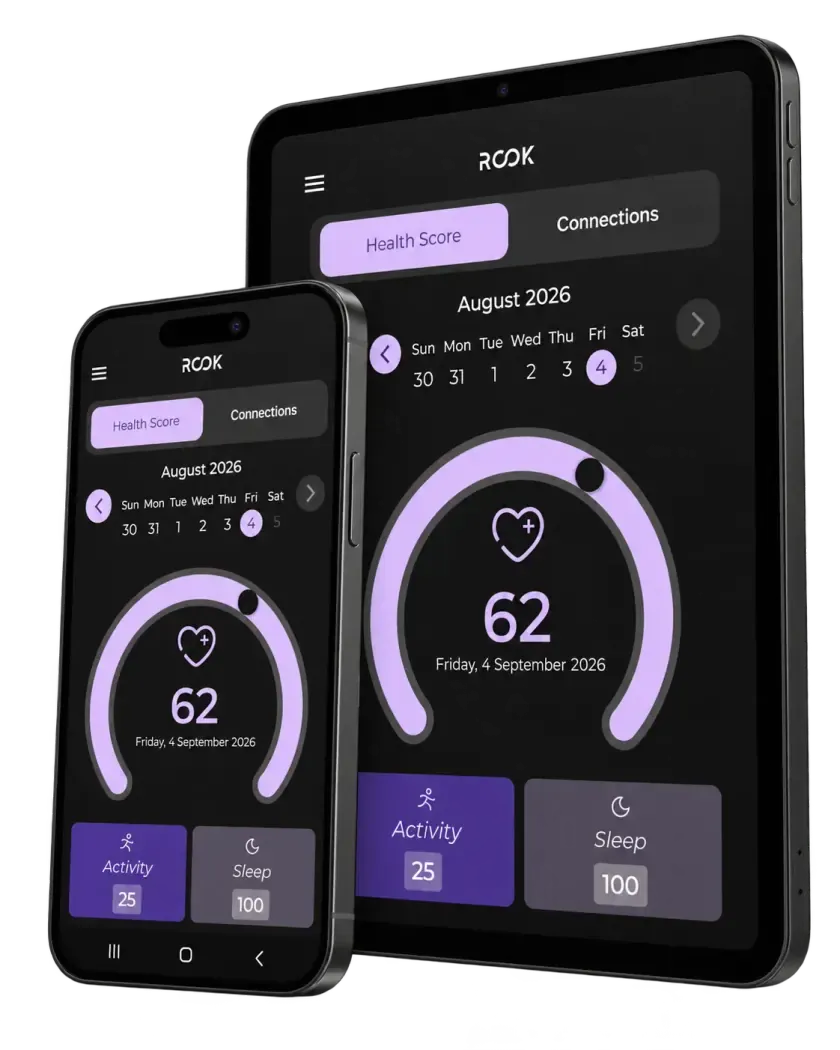
ROOK App on a phone and a tablet showing a health score of 62 with activity and sleep scores
The ROOK App on a phone and a tablet, showing a user's health score for the day alongside their activity and sleep.

Articles on Wearable API from the ROOK blog

Build on better health data

Turn fragmented health data into your next product advantage.

Connect the sources your users rely on, standardize what comes back, and build workflows that respond to change.

Read more in our technical documentation

FAQ

Frequently asked questions about the Wearable API

How the Wearable API connects sources, authorizes users, and handles overlapping data.

What is the ROOK Connect Wearable API?

The Wearable API is the ROOK Connect layer that brings data from wearables, fitness applications, and mobile health repositories into your product through one integration. ROOK manages authorization, structure, and delivery differences across compatible sources.

Which wearables and health sources can I connect?

ROOK supports direct providers such as Garmin, Fitbit, Oura, Polar, Whoop, Withings, and others, as well as Apple Health and Health Connect through SDKs. The source directory shows current coverage, connection technology, and available metrics for each provider.

Browse the source directory

Can one user connect multiple wearables?

Yes, when the customer configuration and selected sources allow it. Each connection requires the user’s authorization, and data availability depends on each provider.

What happens if a user connects two wearables that measure the same thing?

ROOK applies cleaning, prioritization, and deduplication rules to reduce duplicate or inconsistent data. The exact rule depends on the data type and source. Your backend should honor version and date fields to retain the most recent record.

Do I need a mobile app to access every source?

API-based sources can be authorized through a web flow. Apple Health, Health Connect, and other sources that store data on the device require ROOK SDKs or ROOK App.

Explore ROOK App

How is the Wearable API different from using Apple Health or Health Connect directly?

Apple Health and Health Connect provide access to data stored on a device. ROOK adds a common extraction, standardization, and delivery layer and lets you combine these mobile sources with API-based providers within the same architecture.

How does the user authorize access to health data?

For API-based sources, the user completes the provider’s authorization flow. For mobile sources, the user grants permissions on the device through the SDK or ROOK App. ROOK only extracts data types that are authorized and available.

Can ROOK retrieve historical data?

Yes, within each source’s limits. As a reference, API-based sources may provide up to seven previous days and SDK-based mobile sources up to 29 days, subject to provider restrictions and contracted configuration.

Still have questions?Our team can review your sources and use case with you.
Schedule a demo

Newsletter

Stay in the loop.

Sign up with your email address to receive news and updates from the ROOK team.

We respect your privacy. Read our privacy policy.