Blog
How Do You Integrate Apple Health and Health Connect? Our SDKs
ROOK's SDKs read Apple Health and Health Connect data such as heart rate, steps and sleep, with documentation and example code.
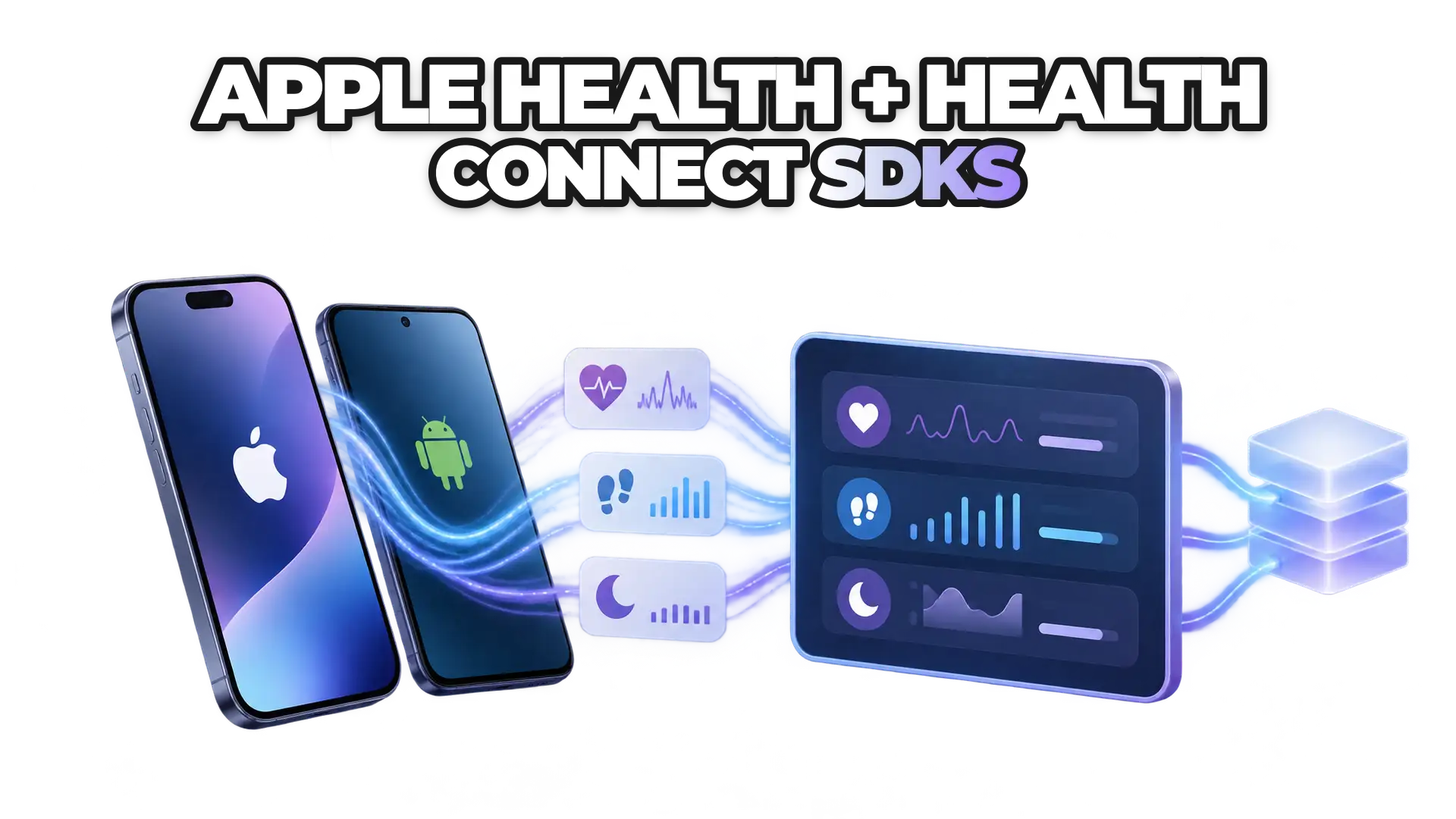
ROOK's SDKs let an app integrate Apple Health and Health Connect without building each integration from scratch. The SDKs read health metrics such as heart rate, steps and sleep patterns from Apple Health on iOS and Health Connect on Android, and come with documentation and example code. To start, sign up on the ROOK platform, follow the SDK documentation, implement, test and deploy.
Integrating health data into applications is key to personalized user experiences. ROOK offers SDKs for Apple Health and Health Connect so teams can focus on their product and user engagement instead of integration work.
What do ROOK's Apple Health and Health Connect SDKs offer?
ROOK's Apple Health and Health Connect SDKs give development teams five benefits:
Data access: ROOK's SDKs access data from Apple Health and Health Connect, including heart rate, steps, sleep patterns and more.
Reduced development time: documentation and example code let a development team implement the integration without extensive custom coding or troubleshooting.
Consistent data: ROOK's SDKs deliver the health data in a standardized structure, so the app can build personalized features on it.
Scalability: ROOK's SDKs are built for small apps and large enterprise solutions alike, handling growing data and user volumes.
Security and compliance: ROOK operates under a HIPAA-aligned security program, signs BAAs with covered entities, and processes EU personal data under GDPR as a data processor.
How do you get started with ROOK's SDKs?
Getting started with ROOK's SDKs follows the “Fundamentals” section of the documentation for Apple Health (iOS SDK) and Health Connect (Android SDKs). In short:
Sign up and get your API key: sign up on the ROOK platform and obtain your API key.
Read the SDK documentation: the ROOK SDK documentation has detailed guides and example code for Apple Health and Health Connect.
Implement the SDKs: follow the step-by-step instructions, from initial setup to advanced features.
Test and deploy: test the integration, then deploy your application and start using the integrated health data.
ROOK's Apple Health and Health Connect SDKs give an app access to users' health data so it can offer meaningful health insights. For how the two platforms differ, read Apple Health vs. Health Connect.
To install the SDKs, go to the ROOK SDK documentation.
 Written byJonas DückerCMO | COO