Blog
Apple Health vs Health Connect: Which Should Your App Integrate?
Apple Health covers iOS and Health Connect covers Android. Compare their pros, cons and integration steps for cross-platform health apps.
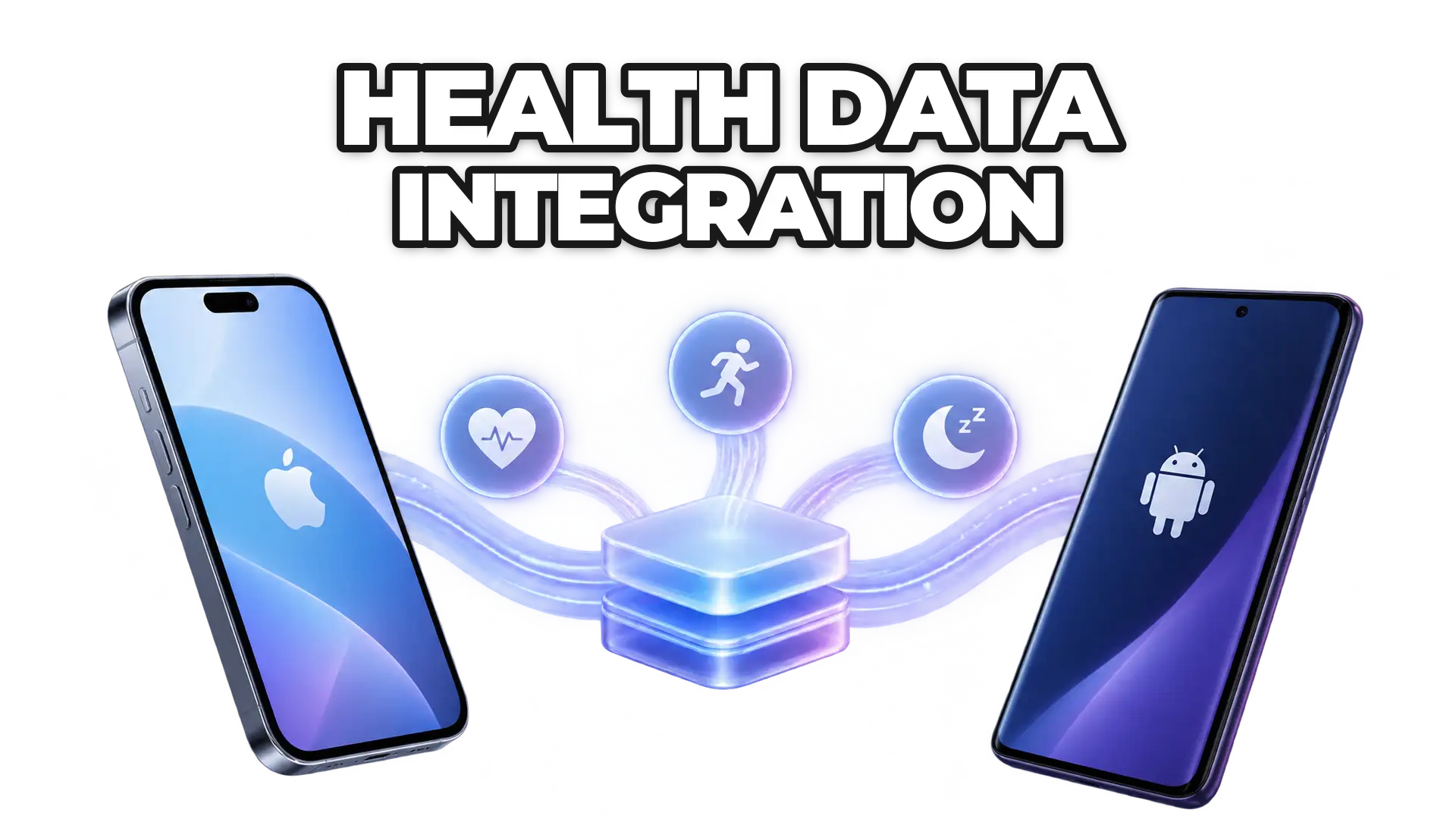
Apple Health and Health Connect solve the same problem on different platforms. Apple Health, built on HealthKit, centralizes health and fitness data on iPhone and Apple Watch. Health Connect is Google’s unified health data layer for Android. Each is limited to its own operating system and collects data on the device, so a cross-platform health product usually needs to support both, either separately or through one abstraction layer.
Apple Health and Health Connect differ in ecosystem reach, integration complexity and data access model, which matters when building scalable, cross-platform health products.
What is Apple Health?
Apple Health is Apple’s health data platform, powered by HealthKit, that aggregates health and fitness data from the Apple Watch, iPhone sensors and third-party apps. Apple Health is deeply embedded in the iOS ecosystem and is often the primary source of health data for Apple users.
What are the pros of Apple Health?
- Deep integration with iOS and Apple Watch
- High data consistency and strong quality controls
- Broad range of supported health metrics, including activity, heart rate, sleep, nutrition and vitals
- Strong user trust and privacy-first design
- Mature developer tooling and documentation
What are the cons of Apple Health?
- Limited strictly to Apple devices
- Requires iOS-specific development expertise
- No direct server-to-server access; data must be collected on-device
- Data availability depends heavily on user permissions and device usage
What is Health Connect?
Health Connect is Google’s unified health data platform for Android. Health Connect acts as a central layer where apps can read and write health and fitness data, replacing fragmented integrations across multiple Android health services.
What are the pros of Health Connect?
- Designed specifically to unify Android health data
- Supports data from multiple wearable brands and fitness apps
- Simplifies permissions and data sharing across Android apps
- Actively evolving with growing ecosystem adoption
- Open approach aligned with Android development practices
What are the cons of Health Connect?
- Android-only platform
- Still maturing compared to Apple Health
- Data quality and availability can vary by device manufacturer
- Fragmentation across Android versions and OEMs can add complexity
How do Apple Health and Health Connect compare at a glance?
- Platform: Apple Health runs on iOS and Apple Watch; Health Connect runs on Android.
- Data access: both are read on the user’s device, with per-data-type user permissions.
- Maturity: Apple Health has mature tooling; Health Connect is still maturing.
- Consistency: Apple Health data is highly consistent; Health Connect data can vary by device manufacturer and Android version.
How do you integrate with Apple Health?
To integrate with Apple Health, developers use HealthKit within an iOS application. Key steps include:
- Enabling HealthKit capabilities in your iOS project
- Requesting explicit user permissions for each data type
- Reading and writing health data locally on the device
- Handling background delivery and data updates carefully
Because Apple Health does not offer direct cloud access, your app must run on the user’s device to collect and sync data with your backend.
How do you integrate with Health Connect?
Health Connect integration happens directly within Android applications. The general process includes:
- Adding Health Connect dependencies to your Android project
- Declaring required data types and permissions
- Handling user consent through a unified permission flow
- Reading and writing standardized health records
Developers should account for Android version differences and device-specific behaviors when working with Health Connect.
Why is supporting both Apple Health and Health Connect hard?
Supporting Apple Health and Health Connect independently often leads to:
- Duplicate development efforts
- Platform-specific data normalization
- Increased maintenance and QA complexity
- Inconsistent data models across iOS and Android
For teams building cross-platform health products, managing these differences can slow down development and limit scalability.
Can one integration cover Apple Health and Health Connect?
Yes: instead of integrating each platform separately, many teams use an abstraction layer that:
- Normalizes health data across platforms
- Handles device and OS-level complexity
- Provides a single, consistent API
- Scales as new wearables and data types emerge
An abstraction layer lets teams focus on product value rather than platform-specific plumbing. ROOK’s SDKs for Android, iOS, Flutter, Capacitor (Ionic) and React Native all interface with Apple Health and Health Connect; see ROOK’s Apple Health and Health Connect SDKs and SDK vs API in health tech.
Should you choose Apple Health or Health Connect?
Choosing between Apple Health and Health Connect is not an either-or decision: most modern health products must support both. Apple Health offers a controlled, mature ecosystem, while Health Connect brings standardization to Android. The key is understanding their differences and selecting an integration strategy that minimizes complexity while maximizing data quality.
To plan an integration for both platforms, start with the ROOK developer documentation.
 Written byDaniel MasDigital Marketing Lead