Blog
How Do You Connect Wearables to a Base44 App with ROOK?
Connect Garmin, Oura, Fitbit, Withings, WHOOP and more to a Base44 app through one ROOK integration: OAuth, webhooks and normalized health data.
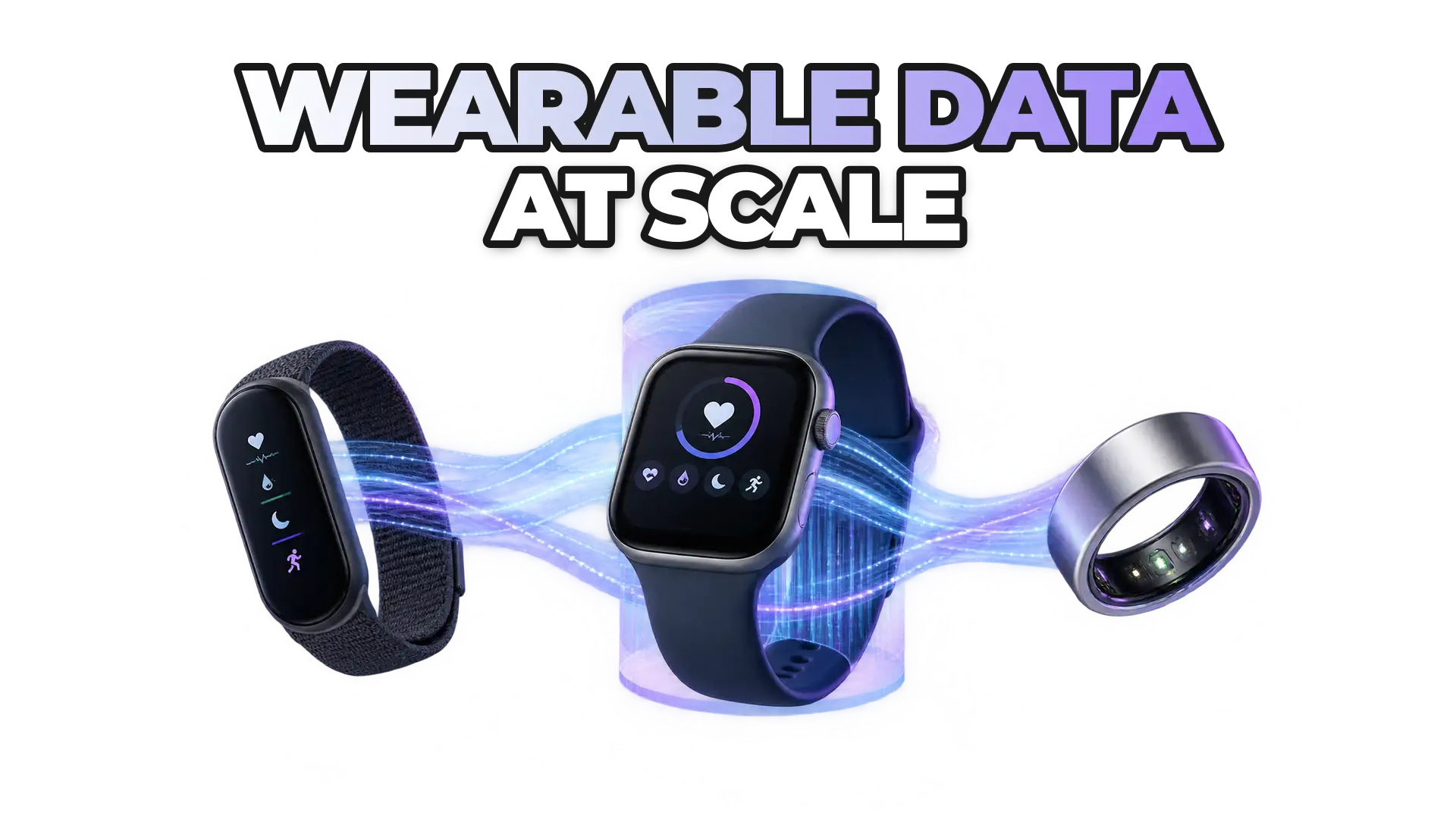
You connect wearables to a Base44 app by integrating ROOK Connect once instead of each vendor API separately. ROOK Connect handles the OAuth authorization flows for WHOOP, Withings, Fitbit, Garmin, Oura and more, and delivers normalized health and activity data to your Base44 backend via webhooks. A video walkthrough, copy-paste backend snippets and a sandbox account cover the full setup.
Vibe-coders spin up products fast in tools like Base44, but connecting wearables is usually where things slow down: different SDKs, different OAuth flows, webhooks, data normalization, device fragmentation and compliance.
What does the Base44 and ROOK integration let you do?
Connecting ROOK to Base44 lets you:
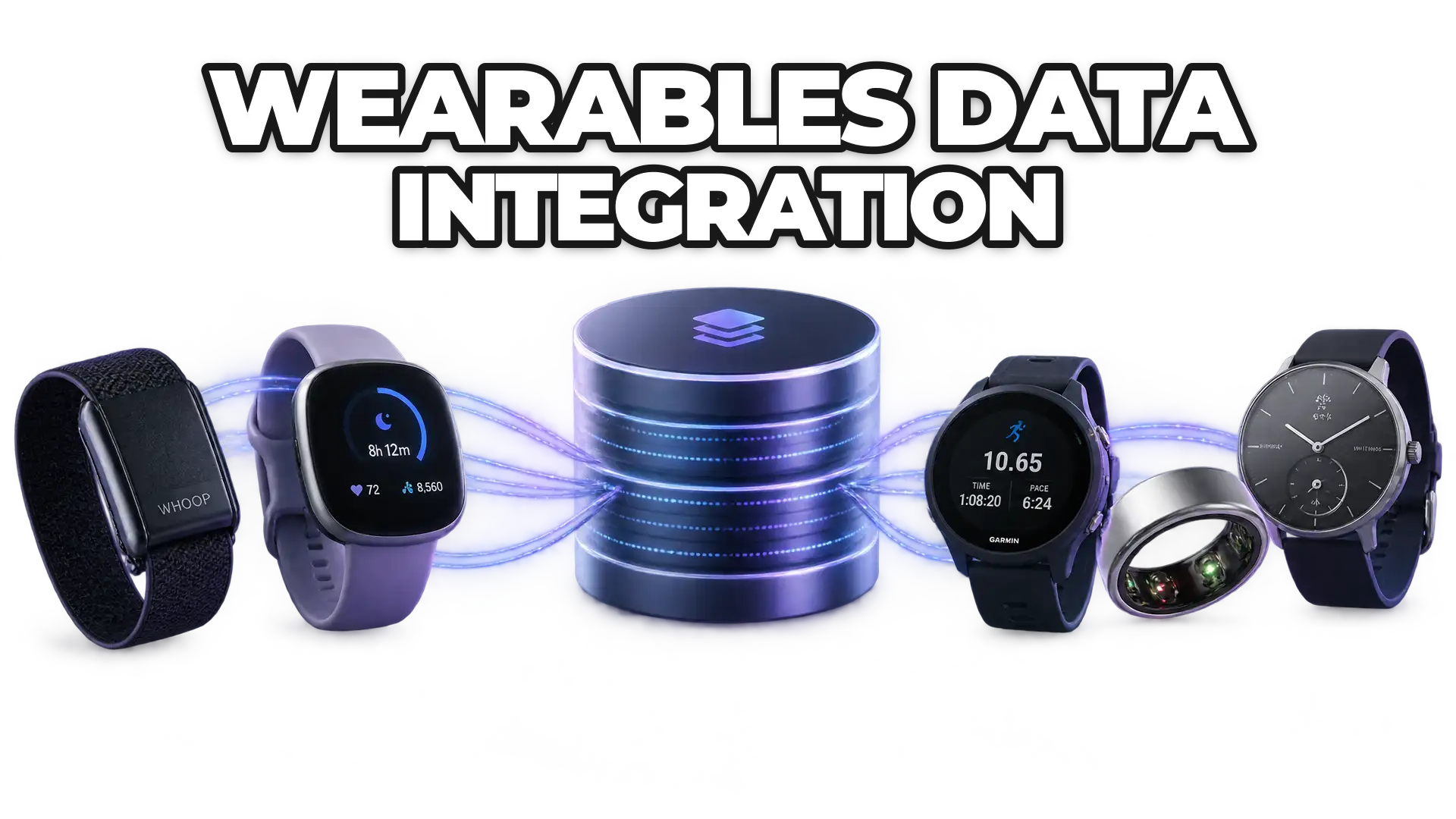
- Access data from WHOOP, Withings, Fitbit, Garmin, Oura, and more
- Handle OAuth authorization flows without building one per vendor
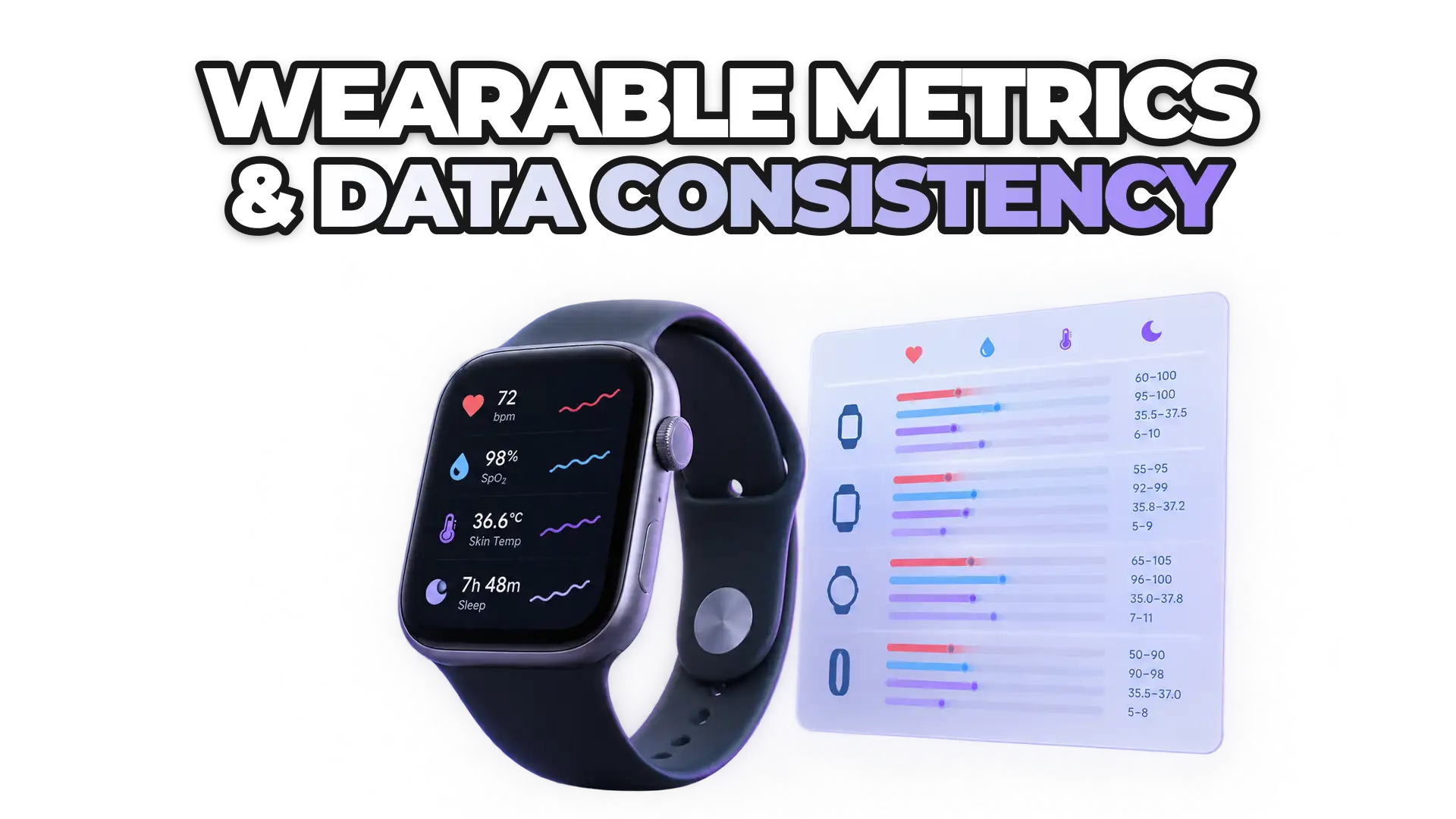
- Receive normalized health & activity data via webhooks
- Avoid managing individual wearable APIs
- Scale from MVP to production without re-architecting
Instead of spending weeks integrating wearables one by one, you integrate once with ROOK, which covers 72 data sources and more than 500 devices.
What does the Base44 + ROOK video guide cover?
The Base44 + ROOK video walkthrough covers the entire setup:
- How to connect ROOK to Base44
- How to configure authentication
- How to set up backend endpoints
- How to configure webhooks
- How to start receiving wearable data
Watch the full video guide: Base44 + ROOK. It walks you through the entire process so you can follow along and ship fast.
Where are the backend and webhook snippets for Base44?
ROOK has prepared the exact backend and webhook configuration to use inside Base44: open the Base44 + ROOK integration code snippets, then copy, paste and deploy so your Base44 app can receive wearable data through ROOK.
How do you test the integration in the ROOK sandbox?
You test the integration by creating an account in the ROOK sandbox portal. The sandbox environment lets you:
- Test OAuth flows
- Simulate wearable data
- Validate webhook delivery
- Build your MVP before going live
Who builds wearable-powered apps on Base44?
Wearable data is becoming core infrastructure for:
- Digital health apps
- Insurance & InsurTech products
- Corporate wellness platforms
- Fitness & performance tools
- Longevity & prevention startups
Integrating wearables has traditionally required heavy engineering effort. With ROOK and Base44, the integration layer is already built, so you can go from idea to a live wearable-powered app in days, not months. For the same setup in another builder, see how to connect wearables to a Lovable app with ROOK.
How do you start building?
Create a ROOK sandbox account, follow the video guide, and check the ROOK developer documentation for webhook payloads and data structures. Happy building.
 Written byDaniel MasDigital Marketing Lead