{ "data_structure": "physical_summary", "user_id": "demo-user-01", "physical_health": { "summary": { "physical_summary": { "metadata": { "sources_of_data_array": ["Fitbit"] }, "distance": { "steps_int": 8432, "active_steps_int": 6120, "walked_distance_meters_float": 6180.0 }, "activity": { "active_seconds_int": 3240 } } } }}Fitbit integration
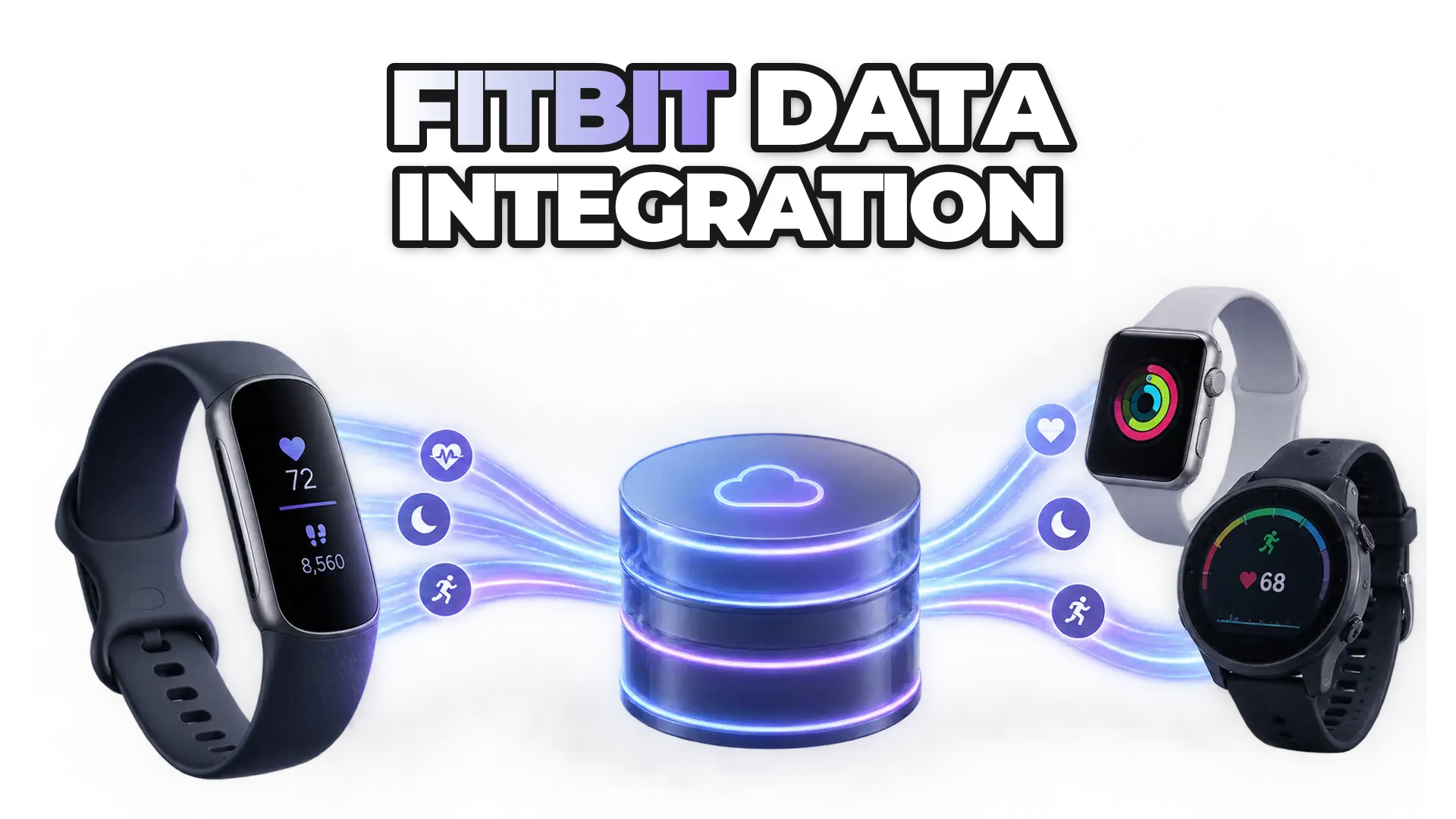
How to integrate with the Fitbit API: ROOK simplifies access to Fitbit wearable data for health, fitness, and insurance apps.
How it connects
ROOK connects to Fitbit through its cloud API.
Fitbit is now called Google Health. ROOK's Fitbit Web API integration delivers body metrics, physical activity and sleep data from Fitbit devices as structured JSON, by webhook and API.
Our Fitbit integration delivers notifications within minutes after a user completes an event and syncs their app.
Read the Fitbit docs{ "data_structure": "sleep_summary", "user_id": "demo-user-01", "sleep_health": { "summary": { "sleep_summary": { "metadata": { "sources_of_data_array": ["Fitbit"] }, "duration": { "sleep_duration_seconds_int": 26400, "deep_sleep_duration_seconds_int": 6300, "rem_sleep_duration_seconds_int": 5400 }, "heart_rate": { "hr_resting_bpm_int": 56 } } } }}{ "data_structure": "body_summary", "user_id": "demo-user-01", "body_health": { "summary": { "body_summary": { "metadata": { "sources_of_data_array": ["Fitbit"] }, "heart_rate": { "hr_avg_bpm_int": 67, "hr_resting_bpm_int": 58 }, "oxygenation": { "saturation_avg_percentage_int": 97 } } } }}Available data
The Fitbit data ROOK delivers.
Every field below comes from the Fitbit documentation and arrives in ROOK's standard structure, whatever device the user wears.
Physical health
physical summary25 fields
active_seconds_intcalories_basal_metabolic_rate_kcal_floatcalories_expenditure_kcal_floatcalories_net_active_kcal_floatelevation_gain_actual_altitude_meters_floatelevation_granular_data_arrayelevation_loss_actual_altitude_meters_floatfloors_climbed_granular_data_arrayfloors_climbed_floathr_avg_bpm_inthr_granular_data_arrayhr_maximum_bpm_inthr_minimum_bpm_inthr_resting_bpm_inthrv_avg_rmssd_floatlow_intensity_seconds_intmoderate_intensity_seconds_intrest_seconds_intsteps_granular_data_arraysteps_intswimming_num_strokes_floattraveled_distance_granular_data_arraytraveled_distance_meters_floatvigorous_intensity_seconds_intvo2max_mL_per_min_per_kg_int
activity event26 fields
active_seconds_intactivity_duration_seconds_intactivity_end_datetime_stringactivity_start_datetime_stringactivity_type_name_stringcalories_expenditure_kcal_floatelevation_gain_actual_altitude_meters_floatelevation_granular_data_arrayfloors_climbed_granular_data_arrayfloors_climbed_floathr_avg_bpm_inthr_granular_data_arrayhr_maximum_bpm_inthr_minimum_bpm_inthr_resting_bpm_intlow_intensity_seconds_intmoderate_intensity_seconds_intpace_avg_min_per_km_floatrest_seconds_intspeed_avg_meters_per_second_floatsteps_granular_data_arraysteps_intswimming_num_strokes_floattraveled_distance_granular_data_arraytraveled_distance_meters_floatvigorous_intensity_seconds_int
steps event1 field
accumulated_steps_int
Sleep health
sleep summary19 fields
breaths_avg_per_min_intdeep_sleep_duration_seconds_inthrv_avg_rmssd_floathrv_rmssd_granular_data_arraylight_sleep_duration_seconds_intrem_sleep_duration_seconds_intsaturation_avg_percentage_intsaturation_granular_data_arraysaturation_maximum_percentage_intsaturation_minimum_percentage_intsleep_date_stringsleep_duration_seconds_intsleep_efficiency_1_100_score_intsleep_end_datetime_stringsleep_start_datetime_stringtemperature_delta_objecttime_awake_during_sleep_seconds_inttime_in_bed_seconds_inttime_to_fall_asleep_seconds_int
Body health
body summary13 fields
bmi_floatcalories_intake_kcal_floatcarbohydrates_intake_g_floatfat_intake_g_floatfiber_intake_g_floatprotein_intake_g_floatsodium_intake_mg_floattemperature_avg_objecttemperature_granular_data_arraytemperature_maximum_objecttemperature_minimum_objectwater_total_consumption_mL_intweight_kg_float
Get started
Connect Fitbit in three steps.
- Enable Fitbit in the ROOK portalTurn Fitbit on as a data source for your client in the ROOK portal.
- Add Fitbit to your connections pageUsers pick Fitbit on the connections page and authorize ROOK with their Fitbit account.
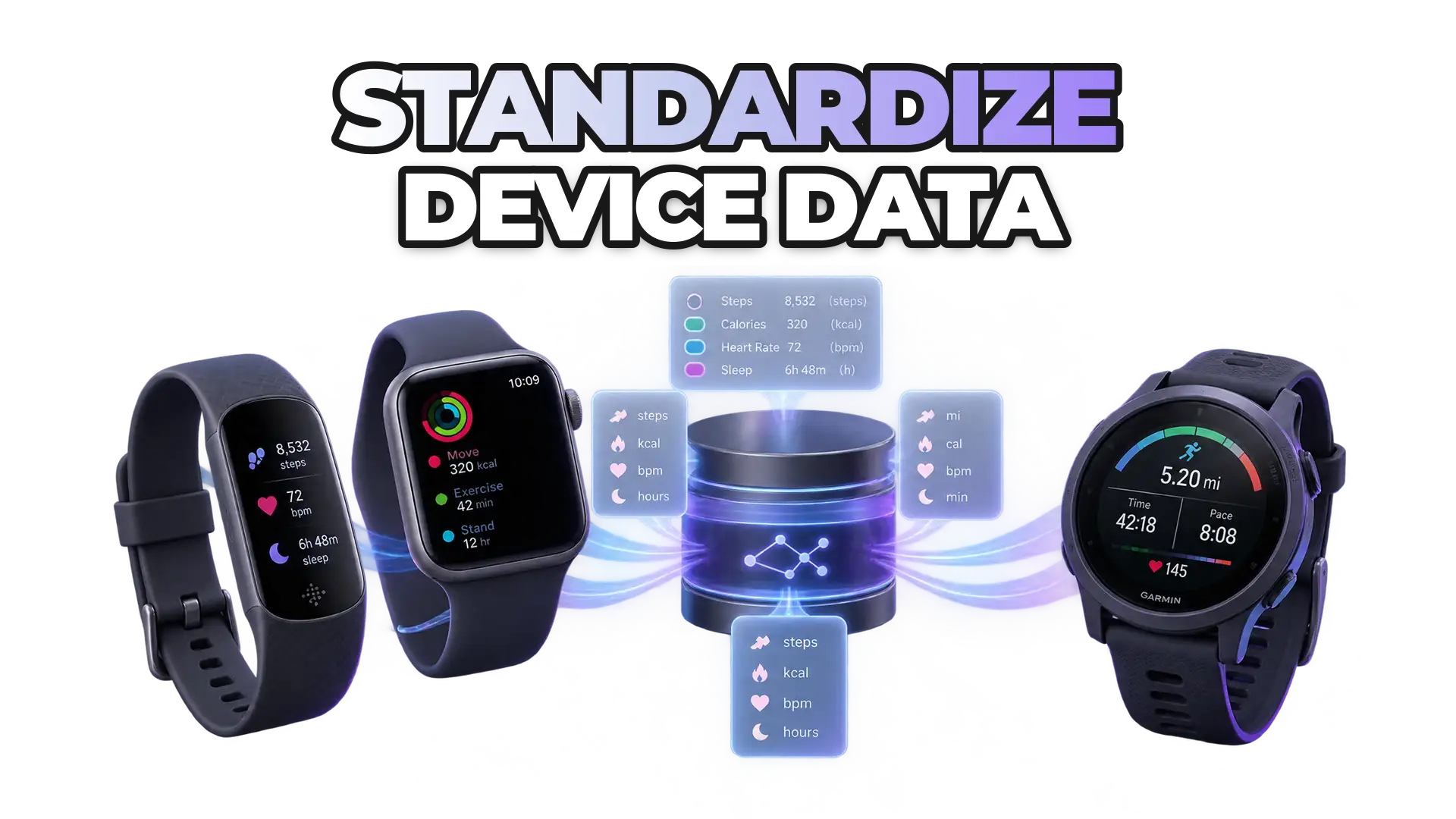
- Receive standardized dataROOK turns Fitbit data into the same JSON structure as every other data source and delivers it to your backend by webhook and API.
Use cases
What teams build with Fitbit data.
From seamless wearable integrations to advanced health insights, ROOK empowers you to build personalized wellness apps, research platforms, fitness dashboards, chronic care solutions and many more great use cases.
Training
Fitbit data
Fitbit wearables monitor heart rate, sleep and physical strain, providing personalized training insights, progress tracking and injury prevention support for athletes.
Explore fitness use casesCare
Fitbit data
Fitbit's heart rate and sleep data support apps focused on managing hypertension and sleep apnea, improving health monitoring and overall management.
Explore healthcare use casesFitness
Fitbit data
Fitbit activity and sleep data enable personalized fitness plans and progress tracking, enhancing user experience in fitness apps.
Explore fitness use casesStress
Fitbit data
Fitbit tracks heart rate variability, helping users monitor stress levels and practice stress management techniques, such as breathwork.
Corporate Wellness
Fitbit data
Fitbit data supports personalized health monitoring, enhancing employee well-being and productivity while helping reduce employed healthcare costs.
Explore corporate wellness use cases
More data sources
More data sources ROOK connects to through their cloud APIs.
FAQ
Frequently asked questions about the Fitbit integration
What teams ask before they connect Fitbit through ROOK.
What Fitbit data can I get through ROOK?
ROOK extracts 84 Fitbit fields covering physical activity, sleep and body and vital signs data, grouped into summaries and events. The data each user shares depends on the permissions they grant when they connect Fitbit.
How quickly does Fitbit data reach my backend?
Our Fitbit integration delivers notifications within minutes after a user completes an event and syncs their app.
Do I need my own Fitbit developer account?
No. ROOK handles the Fitbit connection, so you only enable Fitbit as a data source in the ROOK portal.
How does ROOK connect to Fitbit?
Through the Fitbit cloud API. Users authorize their Fitbit account once and ROOK keeps pulling new data, with no mobile development on your side.
Read the Fitbit documentationNo questions match that yet. Try another word or topic.
Articles on Fitbit from the ROOK blog
- Integrating Fitbit data into your app is now possible with ROOKROOK announced its Fitbit integration, letting clients use Fitbit devices as data sources for their digital health apps.Read more

- How do you standardize Fitbit, Apple Watch, and Garmin data?Five steps to standardize wearable data from Fitbit, Apple Watch and Garmin: a canonical model, unit and timestamp normalization, aligned definitions, gap handling, one pipeline.Read more

- What Are the Best Tools to Build AI Health Apps with Wearable Data?Six tools for AI health apps built on wearable data: ROOK for integration, TensorFlow for models, Google Cloud and Azure for health data, Apple HealthKit and Fitbit.Read more

Nothing matches that search.
Build on better health data
Turn fragmented health data into your next product advantage.
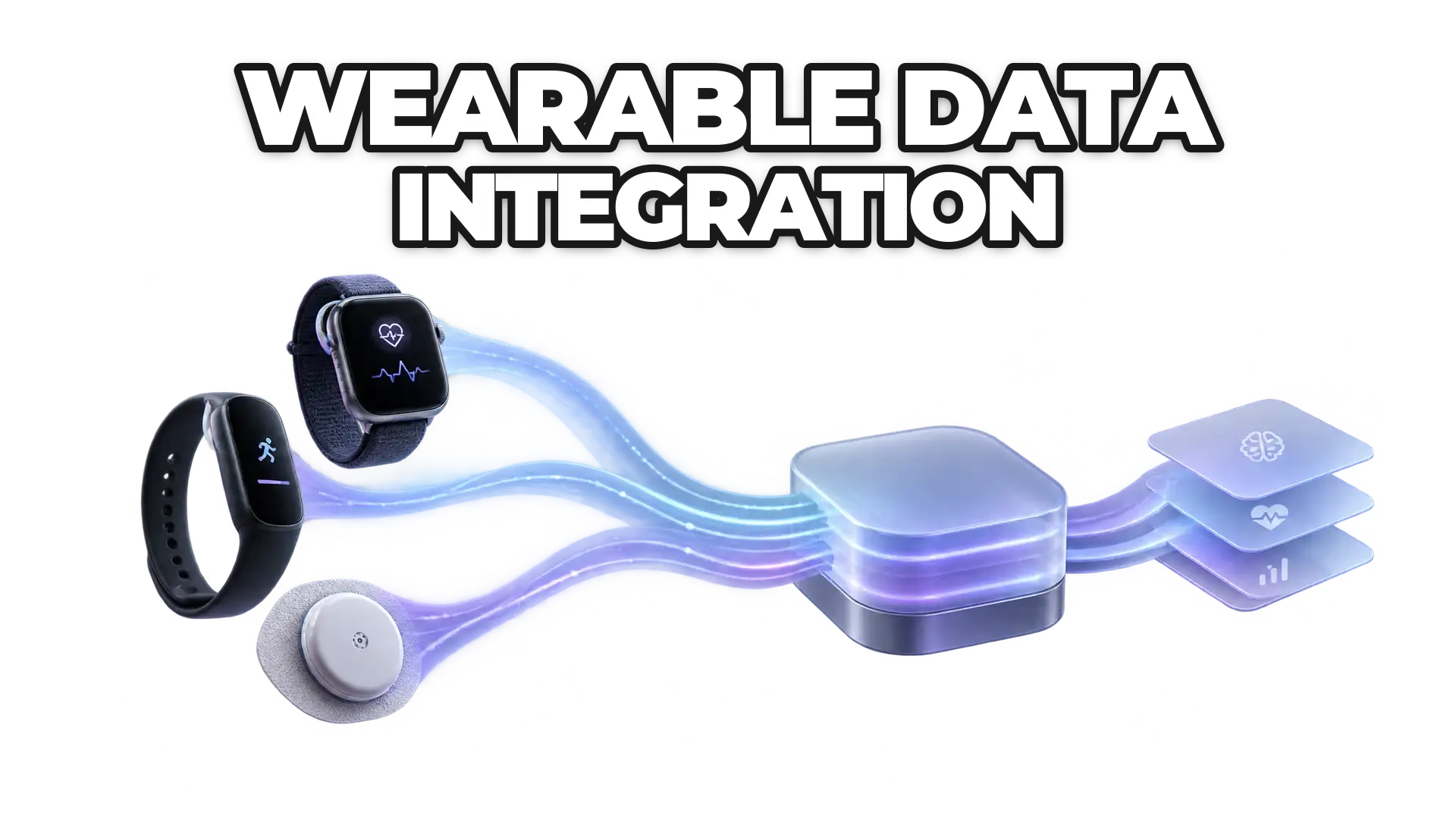
Connect the sources your users rely on, standardize what comes back, and build workflows that respond to change.