Blog
How Does the ROOK API Handle Granular Data, Events and Time Zones?
ROOK API Vol. 2: granular data, manual entries, auto-detected activities, continuous step events, time zone logic, and structured vs proprietary metrics.
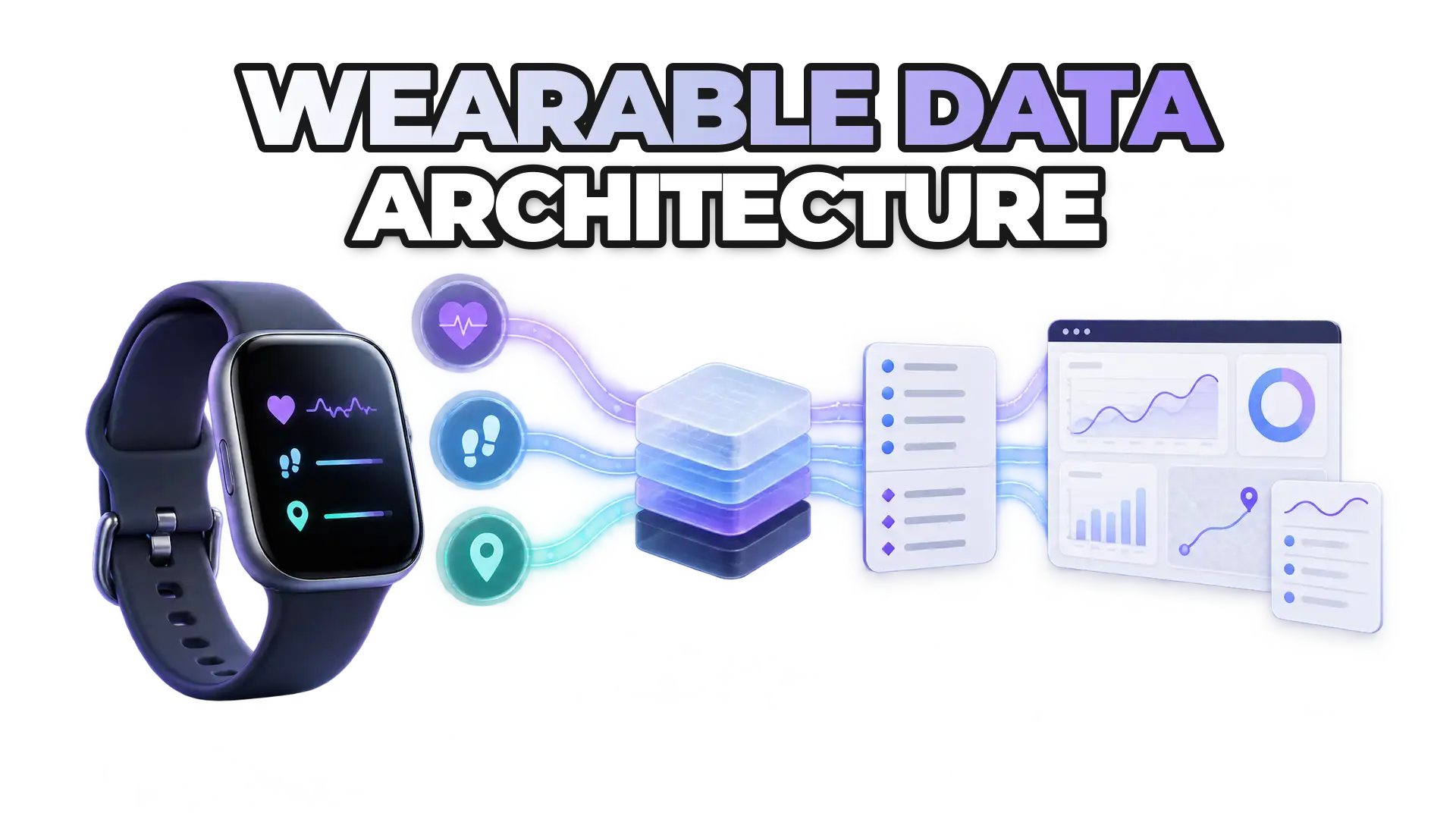
The ROOK API handles six advanced data topics this way: granular second-by-second data is an optional add-on; most manually logged activity is blocked to protect data quality; activity events flag whether a workout was auto-detected; continuous step events are an optional add-on for live dashboards; time zones come from the device first; and proprietary scores arrive in a separate non-structured array.
This second volume of the ROOK API deep dive matters for anyone building dashboards, leaderboards, real-time interventions or analytics features. Prefer watching instead? Watch the ROOK API Vol. 2 walkthrough on YouTube.
What is granular data and when should you use it?
Granular data is high-resolution, second-by-second (or near real-time) data collected during an event such as a workout. Examples include:
- Heart rate curves during a run
- Cycling speed over time
- Cadence
- GPS location points
- Power output
- Oxygen saturation changes
Granular data lets you:
- Build detailed graphs
- Create heat maps of a route
- Visualize pace and speed variations
- Analyze performance trends
Granular data is an optional add-on that can be turned on or off because it significantly increases payload size: a long activity such as a marathon can generate a large volume of second-by-second data.
Which devices support granular data, and for which biomarkers, is listed under each data source in the ROOK technical documentation.
Which manual data entries does ROOK pass and which does it block?
ROOK generally blocks most manually entered activity data to maintain data quality and consistency. Manual data is information a user enters rather than data a wearable detects, for example:
- Manually logging a 30-minute run
- Entering nutrition information
- Adding a custom activity
Manual entries can be useful in some contexts, especially nutrition tracking, but manually logged physical activity is often inaccurate. If manually added data does not appear while you test a ROOK integration, this blocking may be the reason. The ROOK knowledge base explains how manual data handling works across data sources.
Handling manual data entries in ROOK
What is the difference between auto-detected and manually started activities?
An auto-detected activity is one the wearable recognized on its own, while a manually started activity is one the user explicitly began. ROOK activity events include a field indicating whether the activity was auto-detected.
Auto-detected activity means:
- The wearable detected movement patterns (e.g., walking) automatically.
- The user did not explicitly start the workout.
Manually started activity means:
- The user pressed “Start Run” or “Start Workout” on their device or app.
- The user actively started and ended the session.
Auto-detected activities often contain less detail than manually started ones:
- Granular data may not be available
- GPS precision may be limited
- Fewer performance metrics may be recorded
If your product depends on high-detail analytics, manually started sessions typically provide richer datasets.
What are continuous step events in ROOK?
Continuous step events are an optional ROOK add-on for real-time use cases. Instead of waiting for the end-of-day summary, continuous step events:
- Send updated accumulated step counts throughout the day
- Generate frequent step events
- Keep dashboards and leaderboards up to date
Ideal use cases:
- Corporate wellness challenges
- Step competitions
- Real-time dashboards
- Gamification features
Because continuous step events increase the number of incoming events, the feature can be turned on or off as needed. Continuous step tracking is available for both API and SDK-based integrations (iOS, Android and supported frameworks). See the step events add-on in the ROOK docs.
How does ROOK handle time zones?
ROOK resolves each user's time zone in a fixed order so daily summaries cover the correct 24-hour window, sleep summaries trigger at the right time, and data is grouped by the user's day:
- Extract it from the user's mobile operating system or wearable device (preferred).
- Accept manually provided time zone information if available.
- Fall back to the default time zone configured in the ROOK portal (last resort).
Because users may live in different time zones, ROOK triggers daily, physical, body and sleep summaries on each user's local time. Correct time zone handling protects data integrity and the user experience.
Time zone handling in the ROOK docs
How does ROOK treat structured vs unstructured (proprietary) data?
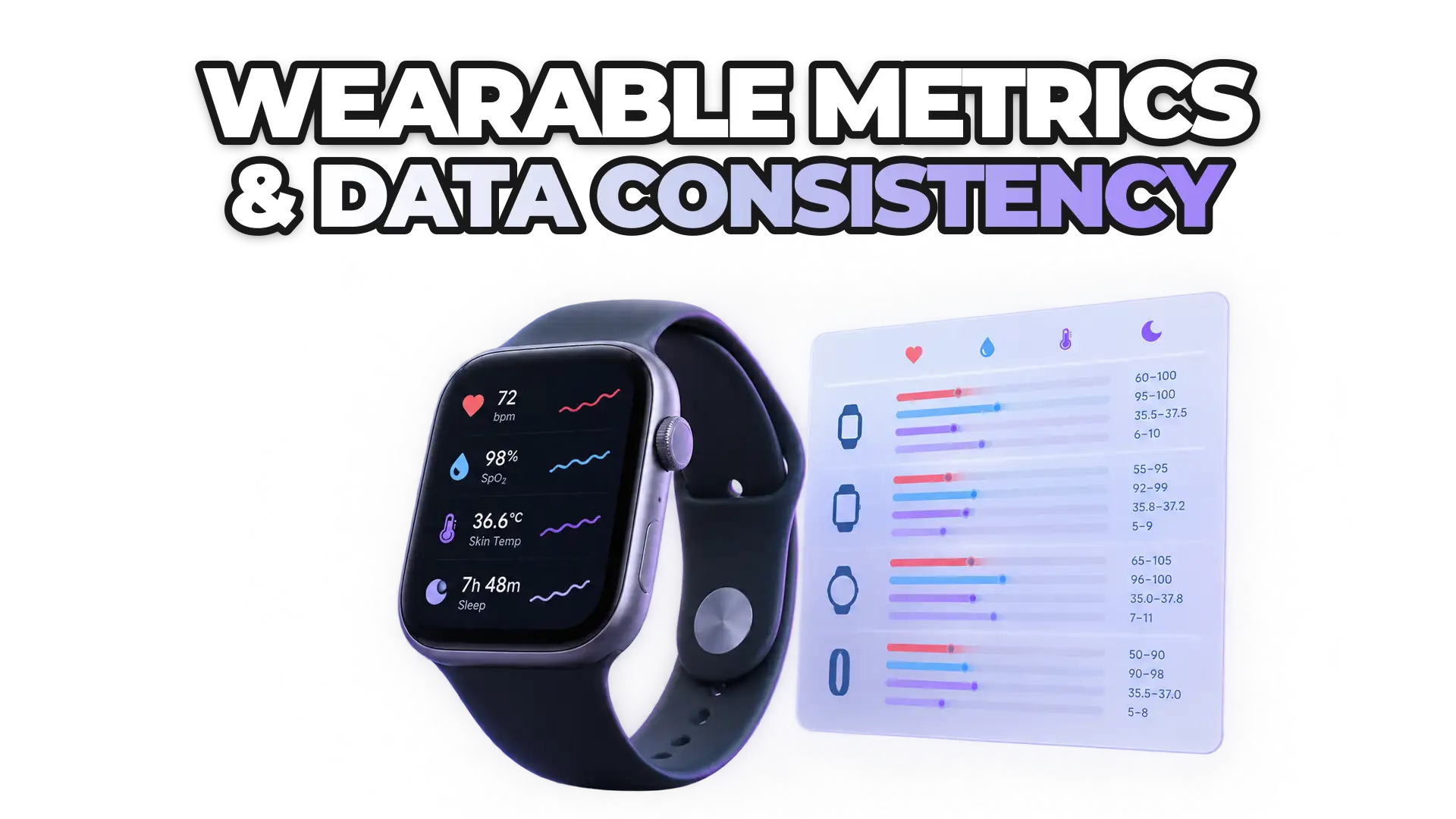
ROOK standardizes comparable metrics into structured fields and delivers proprietary manufacturer metrics separately in a non-structured array.
Structured data covers metrics that are comparable across devices, normalized to a consistent schema regardless of data source:
- Heart rate
- HRV
- Steps
- Distance
- Calories
- Active and inactive time
Unstructured (proprietary) data covers manufacturer metrics built on unique algorithms, such as:
Because proprietary metrics are calculated differently and are not directly comparable across devices, ROOK cannot harmonize them into structured fields. ROOK does not discard them: it delivers them in a non-structured data array that you can use if they fit your use case. Like other advanced features, non-structured data delivery can be enabled or disabled.
What should you take away from ROOK API Vol. 2?
ROOK API Vol. 2 covers design decisions that shape product architecture and user experience:
- Use granular data for high-resolution visualization.
- Understand how manual data is handled to maintain quality.
- Differentiate between auto-detected and manually started activities.
- Enable continuous step events for real-time experiences.
- Handle time zones correctly for accurate daily summaries.
- Combine structured and proprietary data intelligently.
Together, these choices balance performance, payload size, real-time updates and long-term data consistency. For the basics of summaries and events, read how ROOK structures wearable health data (the first volume).
Next step: check implementation details in the ROOK documentation, or try these features in the ROOK sandbox.
 Written byDaniel MasDigital Marketing Lead