Blog
What Do Point-to-Point Integrations Cost in ACCESS?
Point-to-point integrations help ACCESS programs launch quickly, but add maintenance, inconsistent data, and reporting work as the program scales.
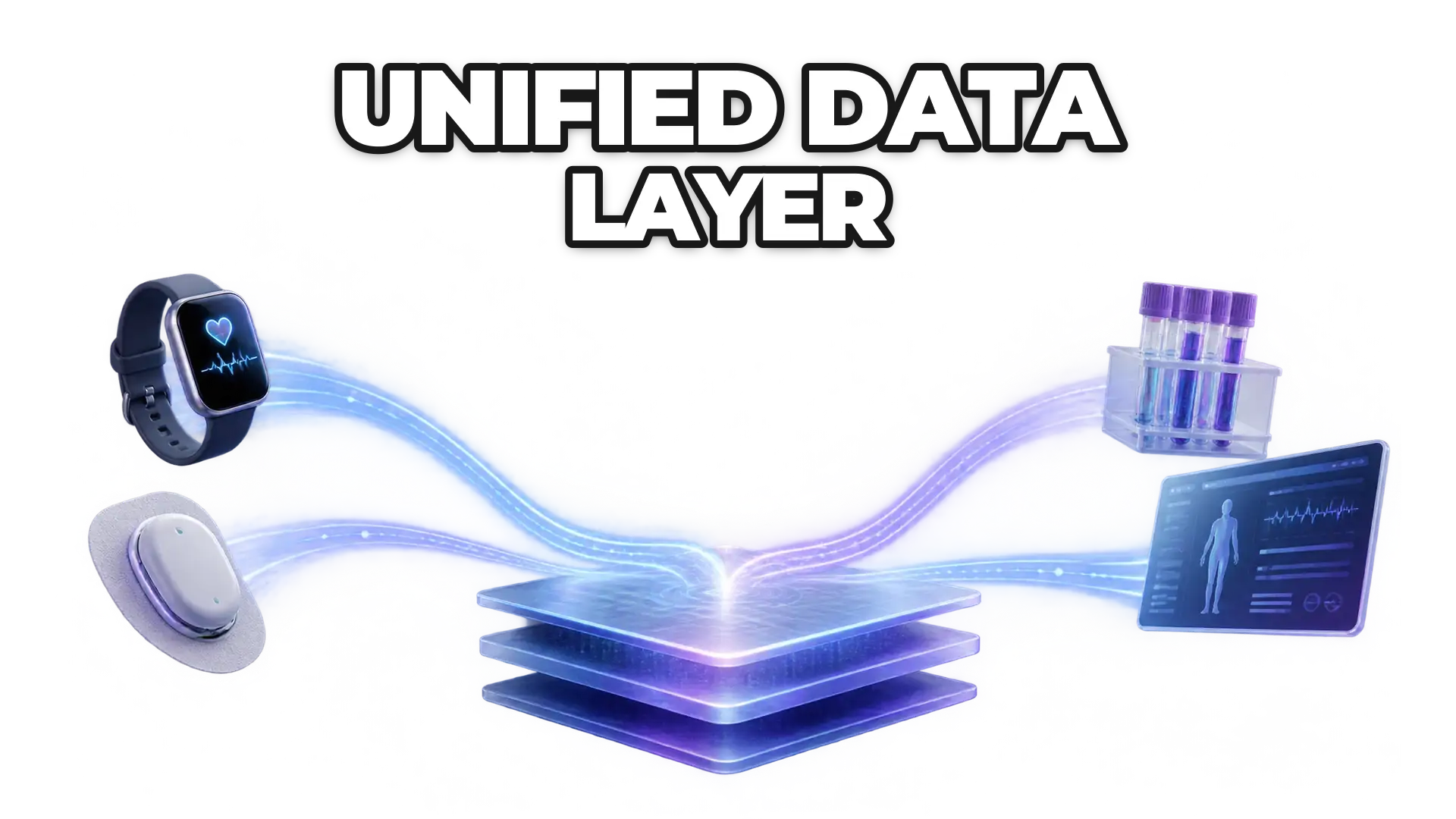
Point-to-point integrations help ACCESS programs launch quickly, but every new data source adds its own connection to maintain. As wearables, medical devices, lab results, and clinical data arrive, teams spend time resolving differences between sources, and the problems spread to support, operations, dashboards, and reporting. A unified data layer puts that complexity in one place, and teams can migrate gradually.
At the beginning, connecting a data source directly to a product often feels like the most practical choice: one API, one transformation, and data flowing within days. The team validates the idea, moves the pilot forward, and starts shaping the program.
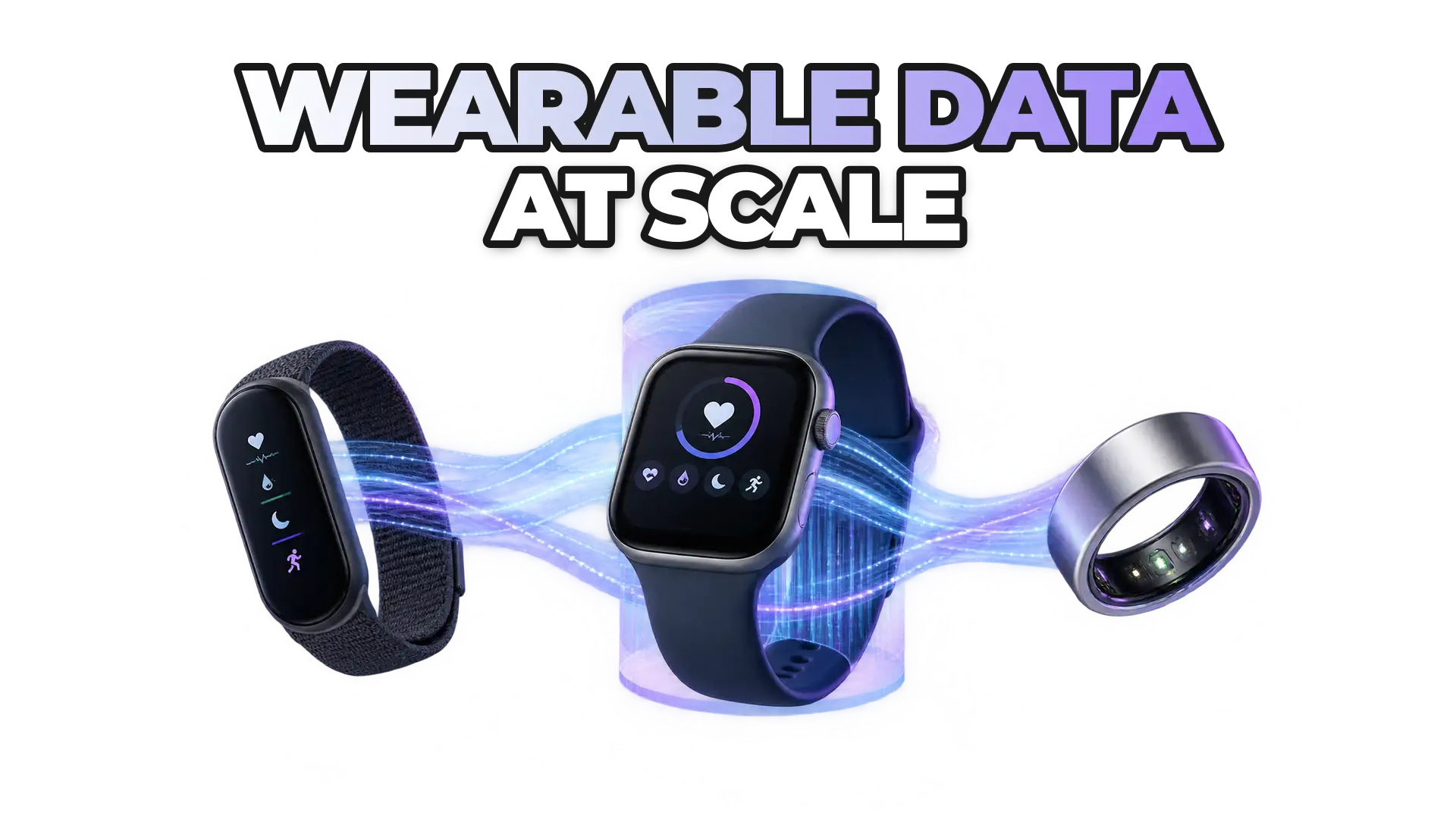
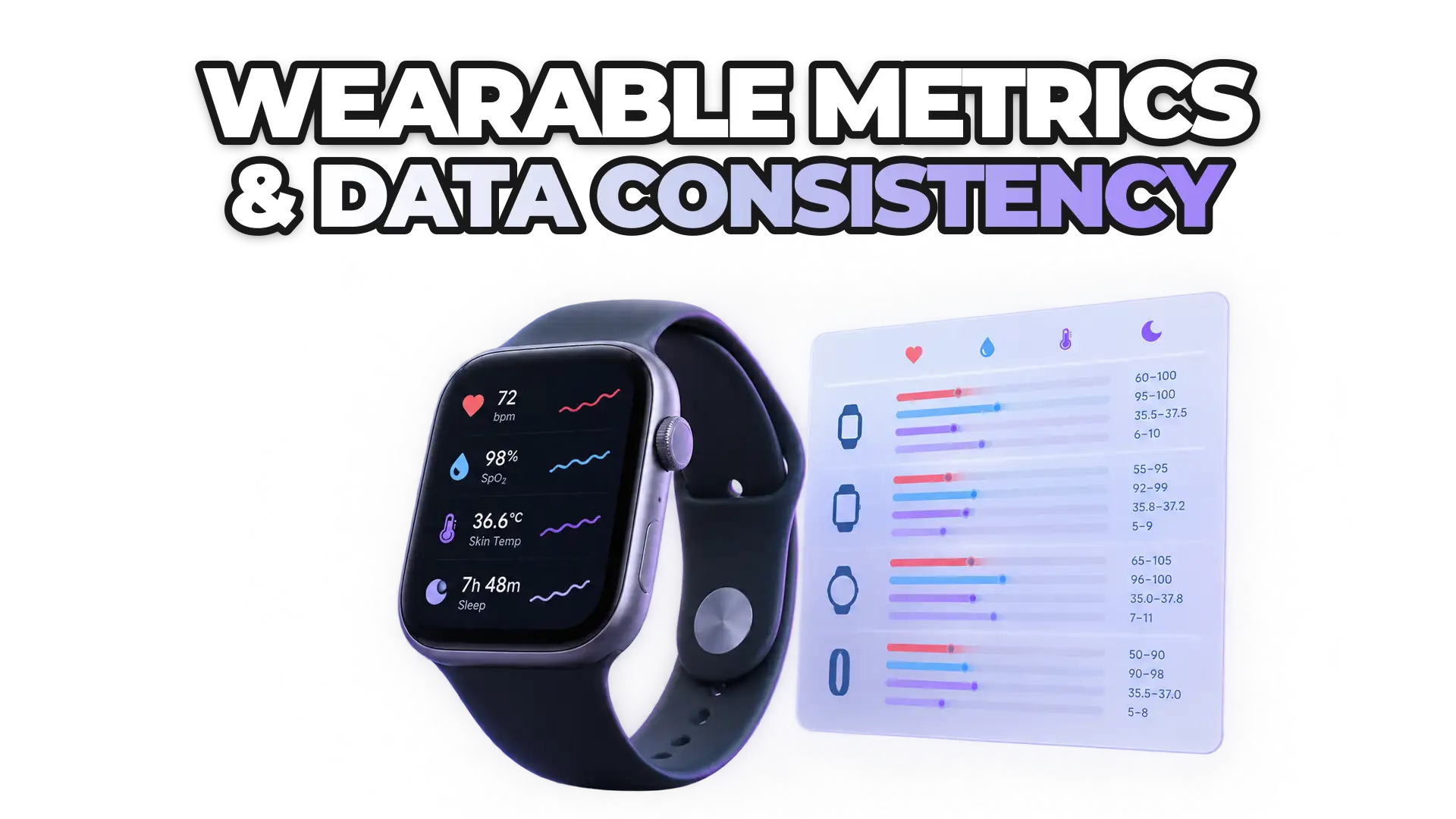
Then a second source arrives, followed by a third. Eventually, the program adds wearables, medical devices, laboratory results, or clinical data. At that point the team is no longer only building the product; it is also maintaining connections, resolving differences between sources, and fixing issues that repeat across every integration. The point-to-point setup that worked for the pilot can become a barrier to growth.
Why do point-to-point integrations get expensive in ACCESS programs?
A point-to-point integration is quick to build but expensive to maintain, because the cost increases with every system that needs to receive, interpret, or use the data.
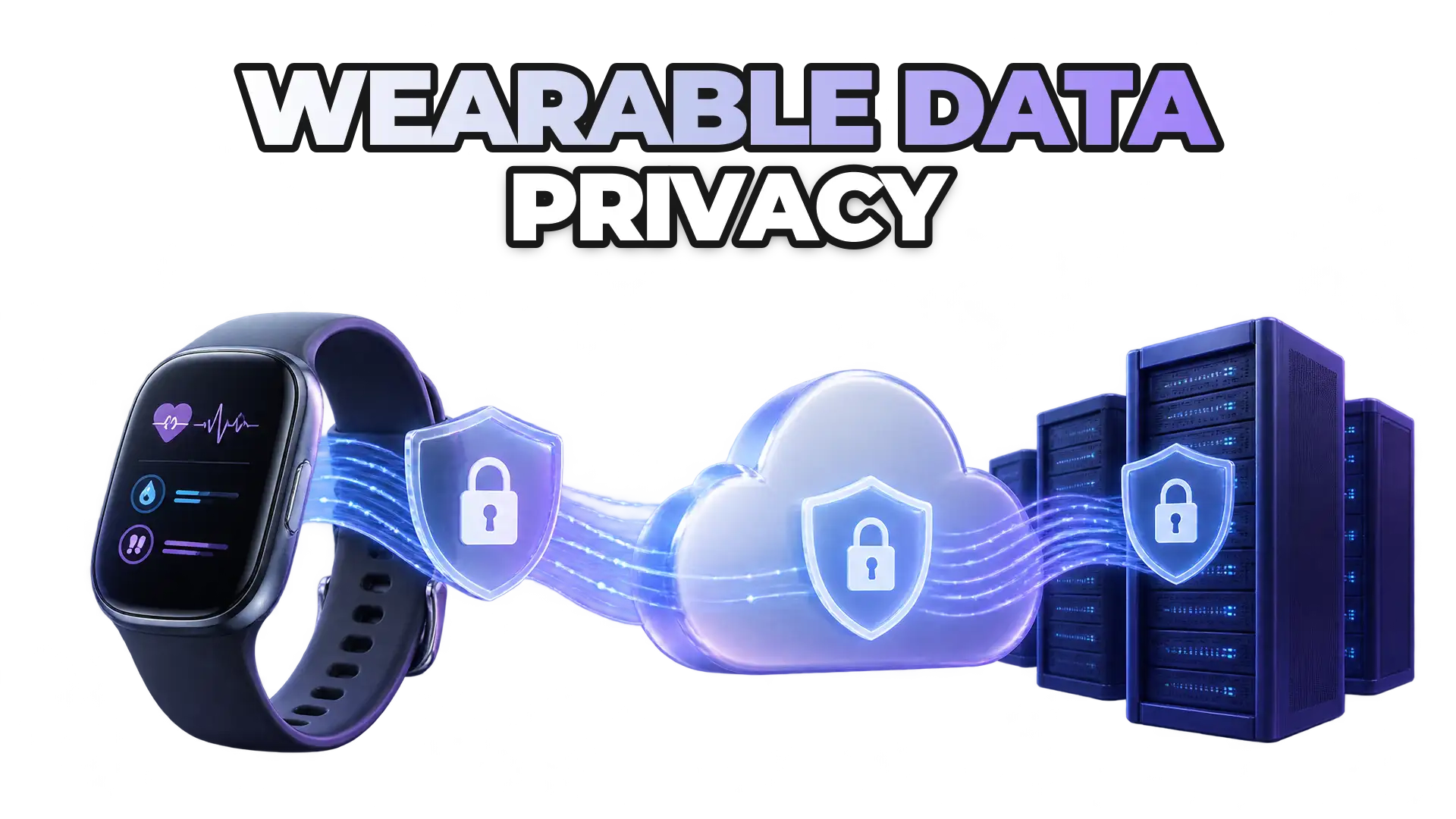
The problems do not stay within engineering. They also affect support, operations, dashboards, and reporting.
A unified data layer does not remove complexity; it puts that complexity in one place where teams can manage it. Teams can migrate gradually, starting with the integrations that create the most work. For the data side of the problem, see why the ACCESS Model needs standardized wearable data.
When do direct integrations make sense?
Point-to-point integrations are not inherently a bad decision. During a pilot, they can help teams validate a data source quickly, test a specific use case, and reduce the time to a first working version.
For how ROOK Connect delivers data from 72 data sources and more than 500 devices through one integration, see the ROOK developer documentation.
 Written byDaniel MasDigital Marketing Lead